City Builder
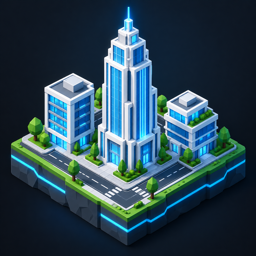
City Builder is a Roblox Studio plugin for making cities. You can draw one road at a time, place one building at a time, or generate a whole city from a real map and then keep editing it by hand.
Get City Builder on the Creator Store.
A generated city: 35 blocks with a river, a coast and roundabouts where the avenues cross.
| Roads | Buildings | Cities |
|---|---|---|
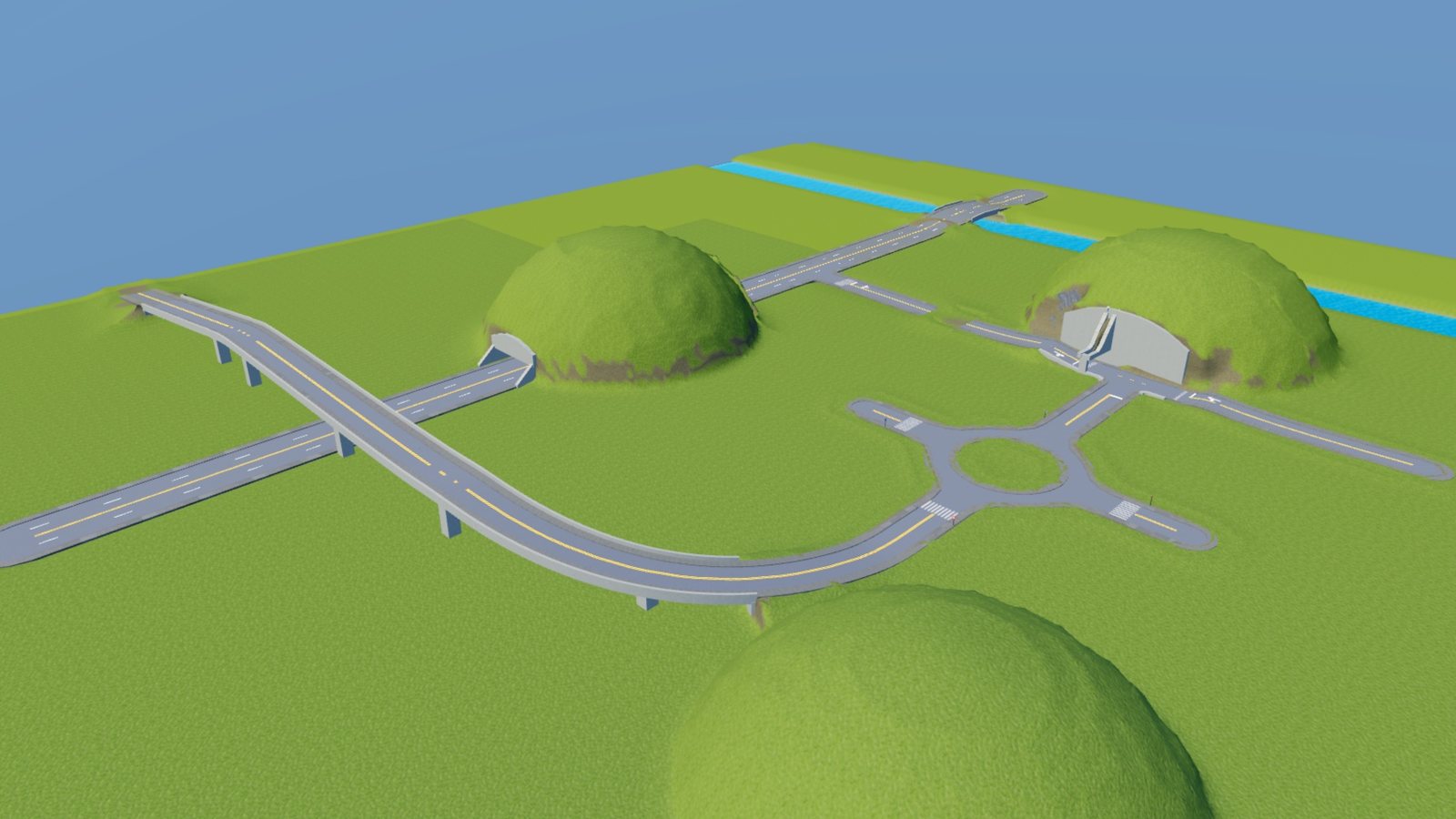 | 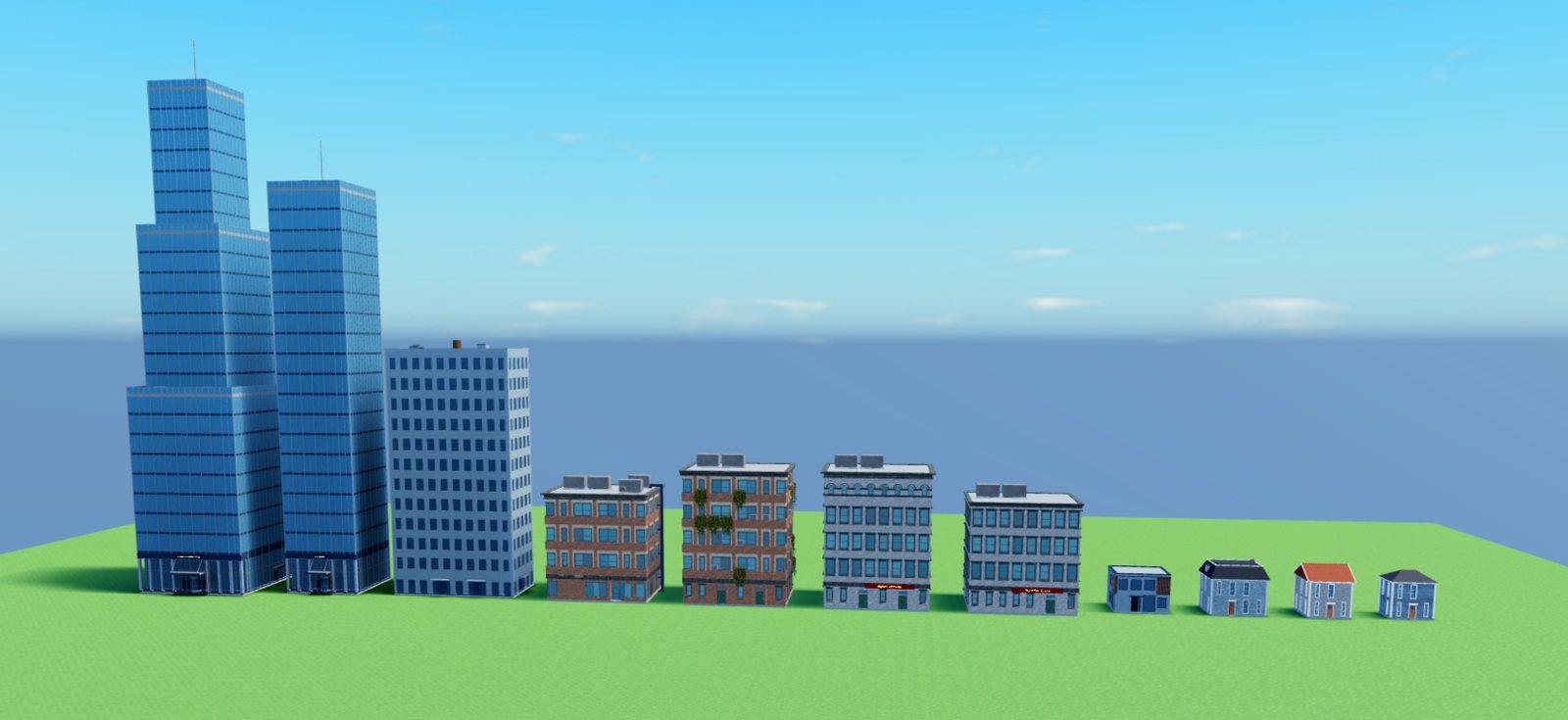 | 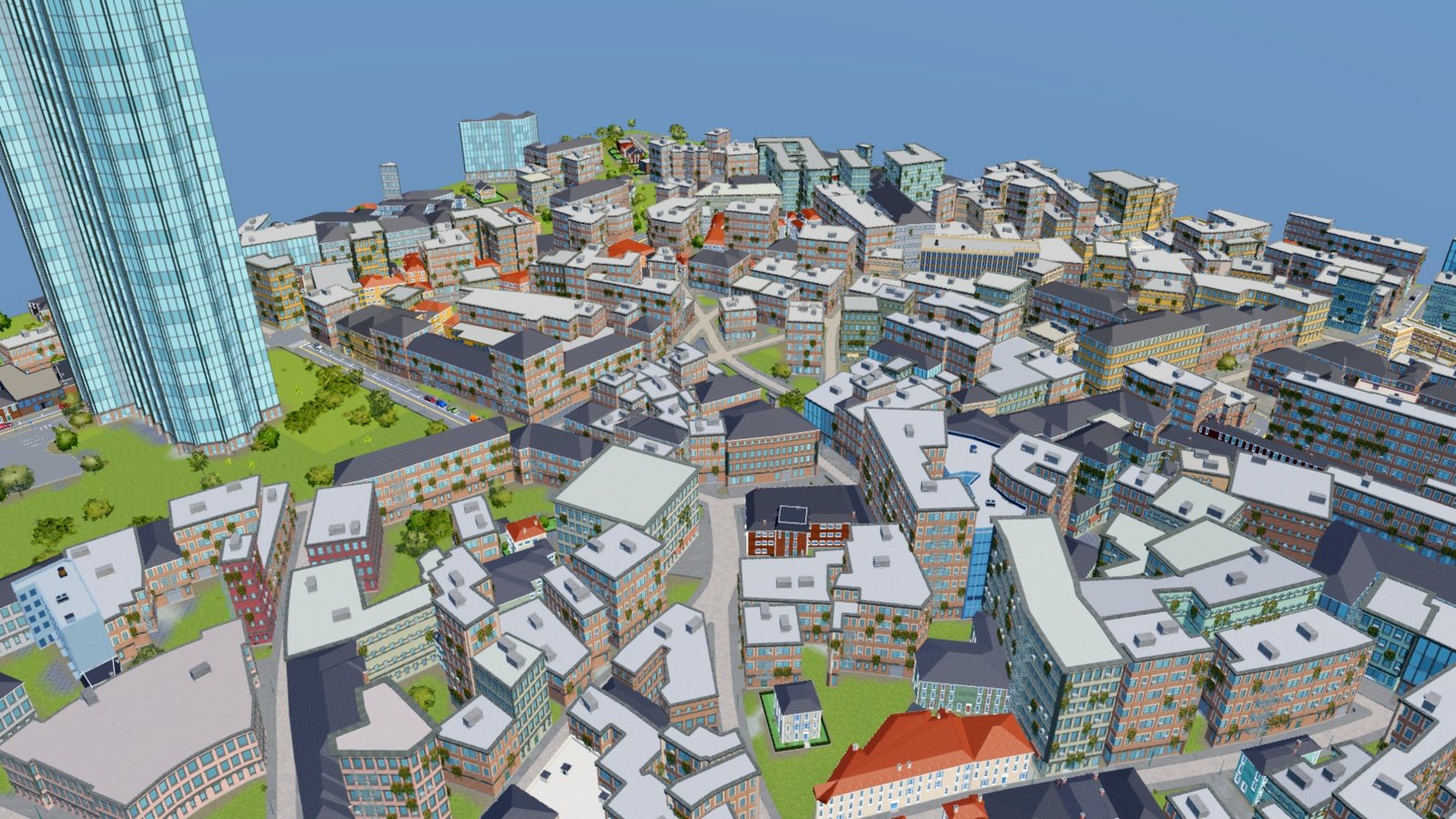 |
| Draw roads that bridge, tunnel and join by themselves. | Place buildings that lay themselves out at any size. | Generate a city from a real map or from a seed. |
What is in it
The plugin adds one toolbar with these buttons.
| Button | What it opens |
|---|---|
| City Builder | The main dock. Its tool tiles are Roads, Rails, Buildings, Polygon building and Inspect. |
| City Generator | Builds a city from OpenStreetMap or from a layout made by a seed. |
| Building Designer | Turns a placed building into your own style: pieces, colors, materials, roof. |
| Inspect Buildings | Hover a placed building to see and change the piece in each cell. |
| Lighting | Lighting presets and one section per effect: sun, atmosphere, clouds, color grading. |
| Spawn Car | Puts every drivable car on the ground in front of the camera. Press Play and walk up to one to drive. |
At street level
The same city from the road. Every street, crosswalk, signal and building here was generated.
Where to start
- New to the plugin? Follow the quick start. It draws a road, places a building and generates a small city.
- Building a road network by hand? Start with drawing roads.
- Want a city in a few minutes? Go to the City Generator.
- Making a game on top of a generated city? Read using a city in your game for the tags the plugin leaves on lights, parking spaces and props.
How the plugin treats your place
A few rules hold everywhere in the plugin, and knowing them makes the rest of the docs shorter.
- Every edit is one undo step. A whole generated city is one undo step too.
- Everything the plugin builds goes under
CityBuilderOutput. A place has one road network and one rail network, so any two roads can meet. - Buildings are generated from settings, not stored as fixed meshes. Resize one with Studio's Scale tool and it lays itself out again at the new size.
- Lights the plugin places start switched off, so a city does not light itself in the editor. Your game turns them on. The snippet is in using a city in your game.