Placing buildings
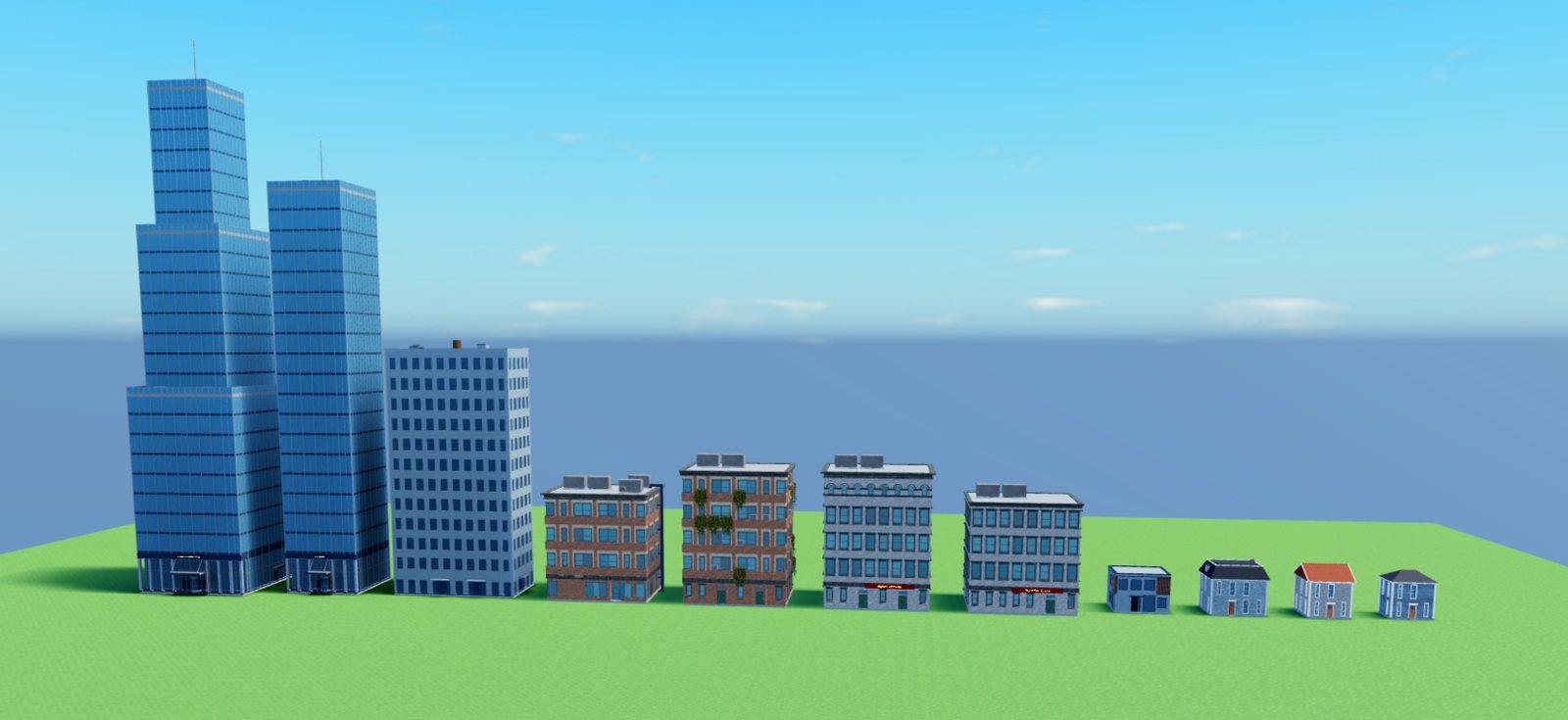
The Buildings tile holds the catalog. Buildings are grouped on shelves by what they are for, and the search box at the top finds one by name.
Place a building
- Pick the Buildings tile.
- Click a building on a shelf. A ghost follows the mouse.
- Click to place it. Keep clicking to place more.
- Press Stop placing, or Esc.
Each ghost rolls its own color theme, so a street built from one entry does not come out in one color. What the ghost shows is what the click places.
What is on the shelves
| Shelf | Examples |
|---|---|
| Residential | Brick apartment blocks, walk-up apartments, houses, cottages, villas, gardens. |
| Commercial | Shopfronts, corner stores, offices, mixed-use blocks. |
| Industrial | Warehouses, sheds, works with roof ducts and tanks. |
| Towers | Glass and stone towers with setbacks. |
| Skyscrapers | Art Deco, brutalist, cylindrical, tiered and more. |
| Modular sets | Buildings assembled from mesh pieces, including the polygon building and plants. |
| Civic buildings | Hospital, fire station, police headquarters, school, library, church, cathedral. |
| Power plants | Coal and solar. |
| Parks & transport | Park, parking lot, arch bridge. |
| Game stops | Gas station, garage, car wash, paint shop, pharmacy, hardware store, supermarket. |
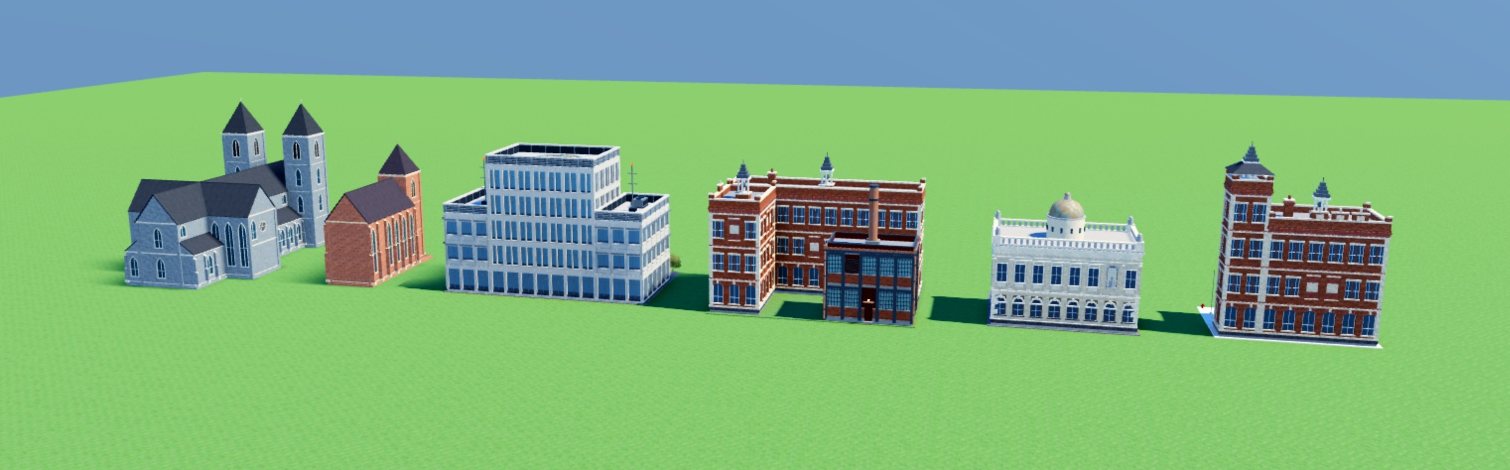
Civic buildings: cathedral, church, hospital, school, library and fire station.
What a building is for decides what hangs on its front. A residential building gets window air conditioners, planters, a fire escape and balconies. A commercial one gets a lettered sign over its shopfront. An industrial one gets mostly blank walls, ducts up its sides and more units on the roof.
Resize
Select a building and use Studio's Scale tool.
- Drag one face and the building grows on that side only. Ctrl-drag grows it from the center.
- The footprint snaps to whole cells. A cell is normally 7.5 studs.
- The building lays itself out again at the new size: more window bays, more floors, a longer roof.
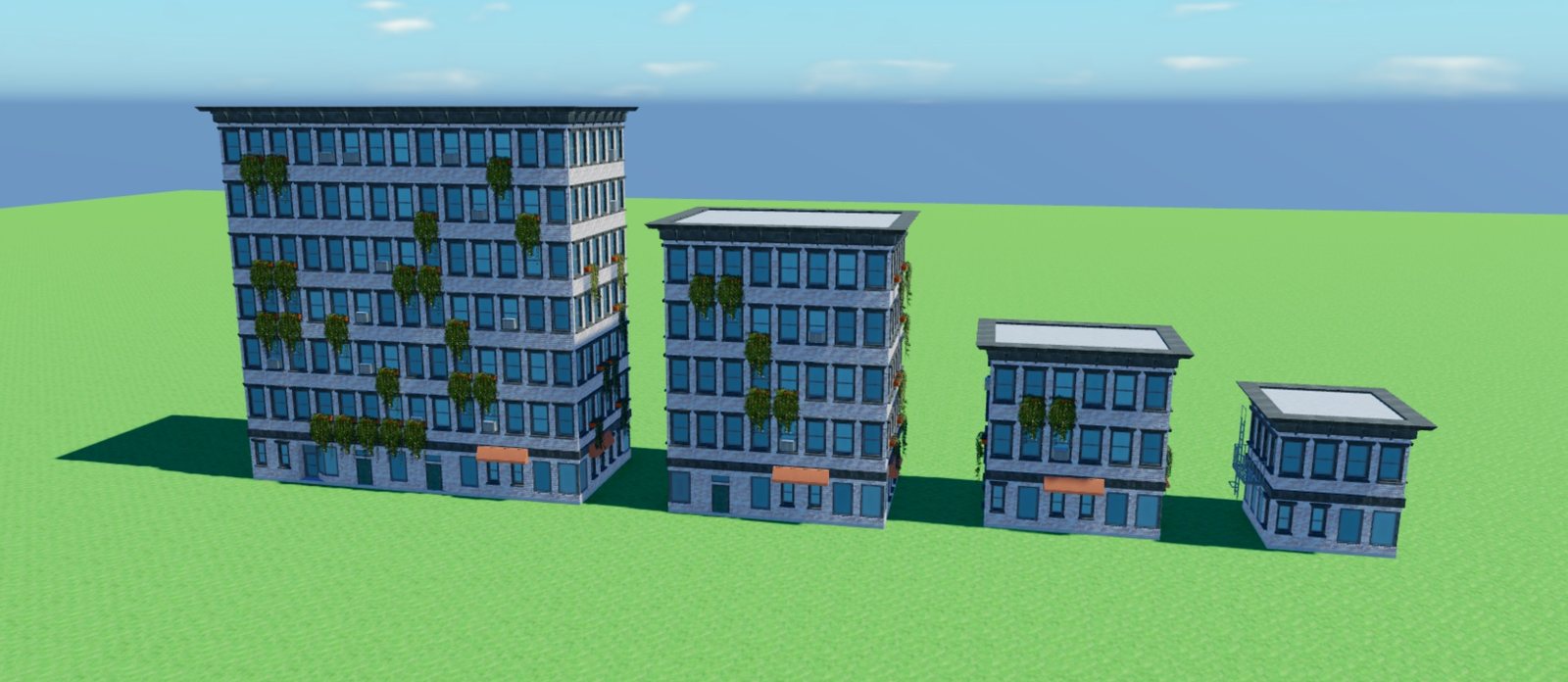
Civic buildings do the same. A larger parking lot gets more stalls, and a larger park gets more trees.
Join buildings
Buildings of the tiled kind join when they overlap or touch. Stack one on a roof, or push a smaller extension against a side, and the covered walls are trimmed. Set a building's JoinBuildings attribute to false to keep it separate.
Color themes
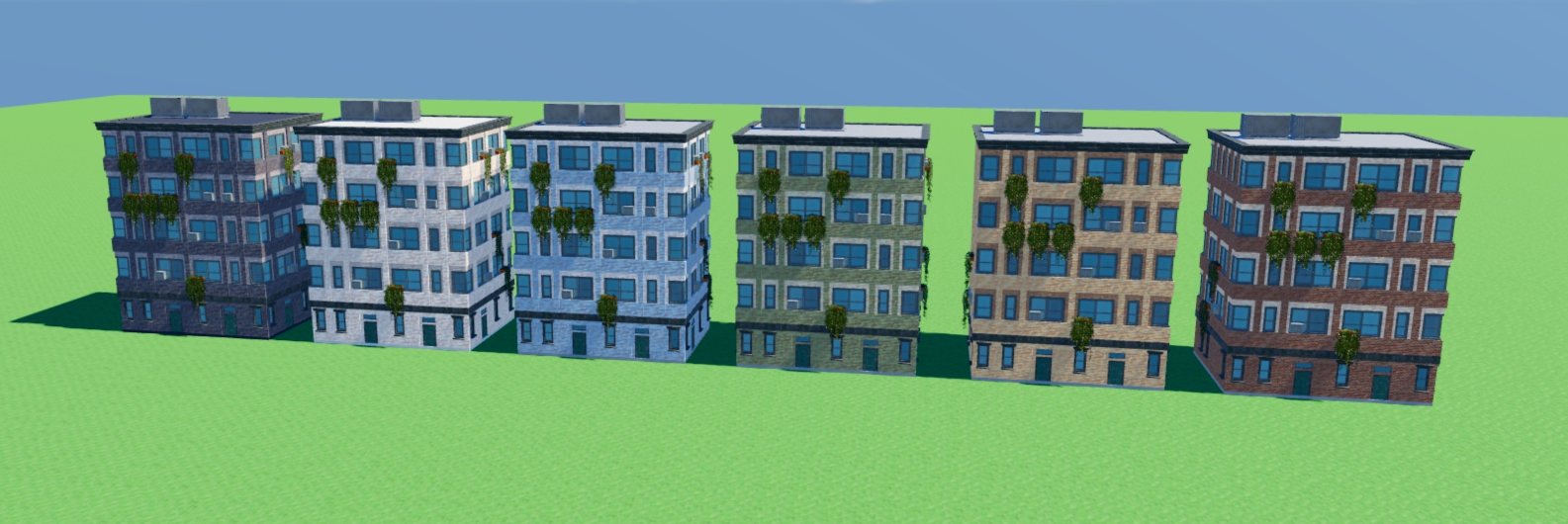
A building takes its wall colors from a theme: red brick, terracotta, sandstone, ochre, oxblood, moss, seafoam, powder blue, limestone, whitewash, slate or charcoal. The default, Random, lets the building's seed pick. Pin a theme in the Building Designer.
Your own styles
The pencil on a building's tile places one where the camera looks and opens it in the Building Designer. What you change there is saved as a style of your own, and the style shows up on the same shelf with a green name strip.