Build settings
The build step is the same for a real place and a generated layout. Each heading below is a group in the dock.
The estimate
Above the build button the dock shows an estimate: how many buildings and parts the city will have, and how long it takes to build. When the numbers are large it marks the build as a Big build and lists ways to lighten it:
- Facade or Graybox buildings
- Mesh roads, which use far fewer parts
- a smaller rectangle, fewer blocks, or a lower Max count
Terrain
| Setting | Options |
|---|---|
| Ground | Terrain paints voxel terrain over the whole area, with water where the map or the layout has it. Parts lays one plate under a flat city, or blocks and wedges under hills, and digs no water. Parts build faster and can be moved with the city. |
| Land | Flat, Hills from noise, or Real, which reads the place's real elevation. Real needs Terrain ground and a real place. |
| Hill height, Hill spacing | How far the hills rise and about how far apart they are. |
| Exaggerate | Multiplies real elevation differences. 1 keeps the map's scale. |
A generated layout has Land shape here instead. See generated layouts.
Buildings
Build as chooses what stands on the lots.
| Option | Result | Use it for |
|---|---|---|
| Bundle | Detailed buildings and yards from the bundle. | Streets players walk. |
| Facade | Simple shapes that follow outlines, with repeating windows that look flat close up. | Skylines and background blocks. |
| Graybox | Plain blocks. The quickest build. | Blocking out a map and test builds. |
| Bundle | Facade | Graybox |
|---|---|---|
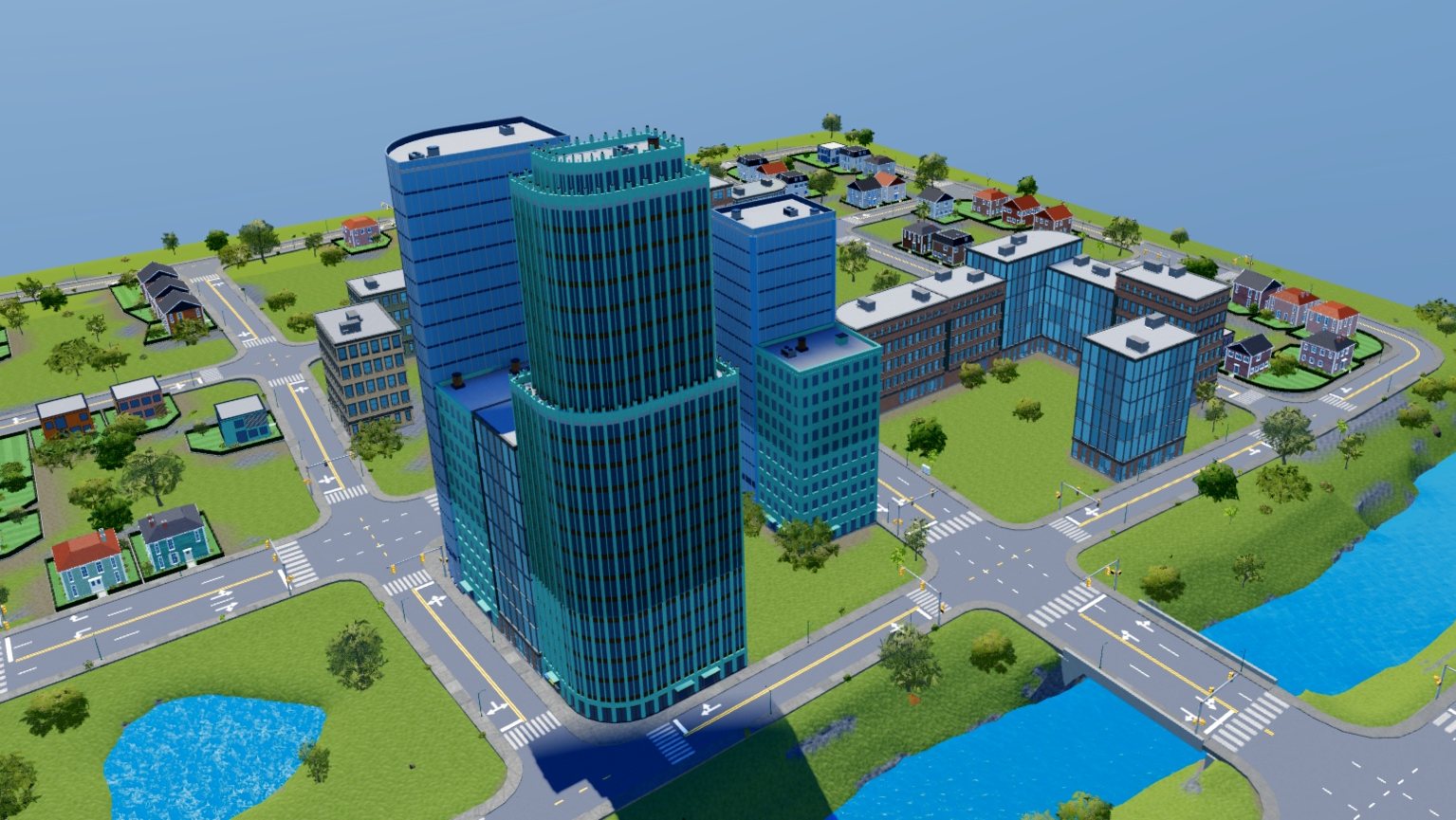 | 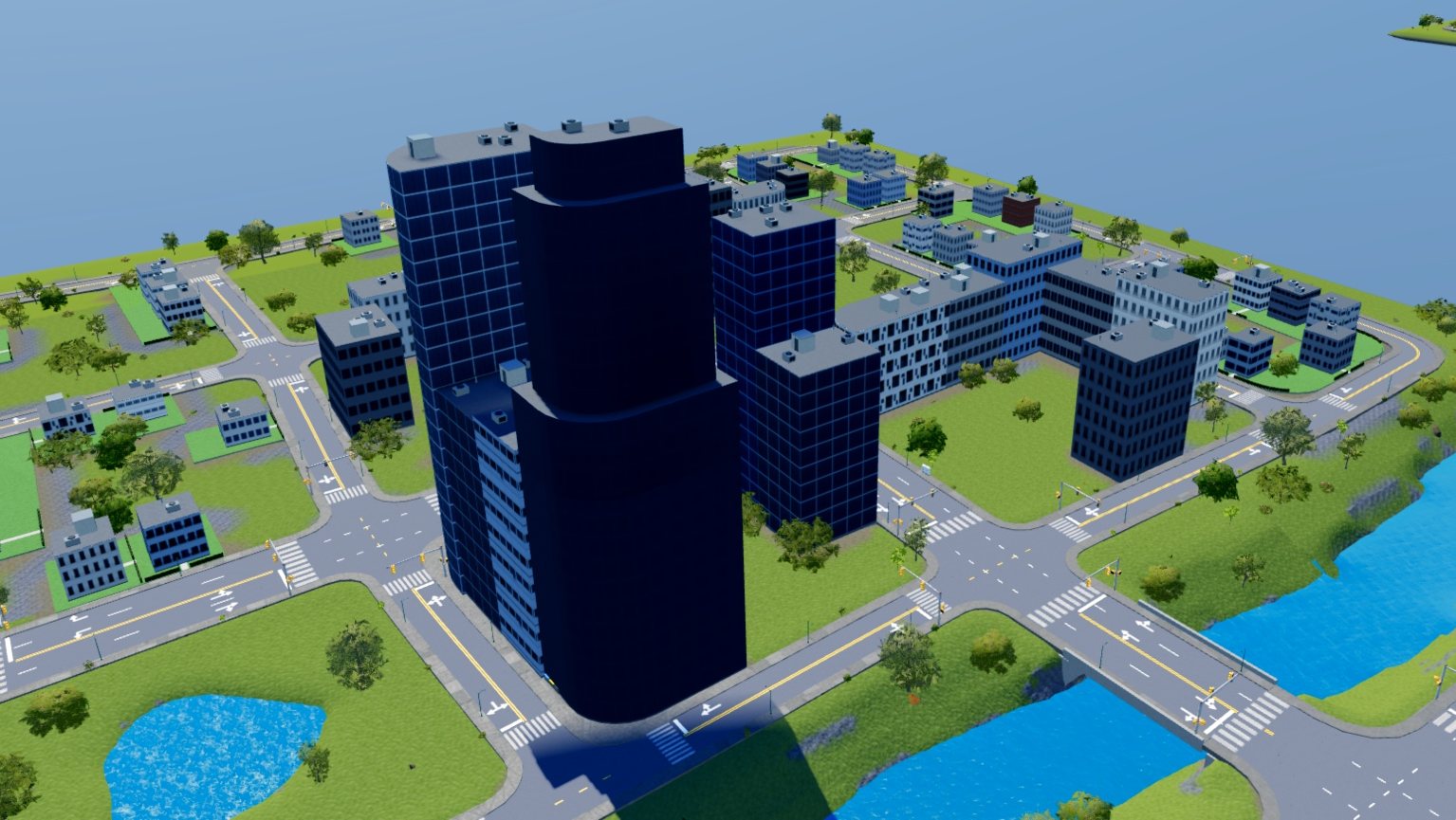 | 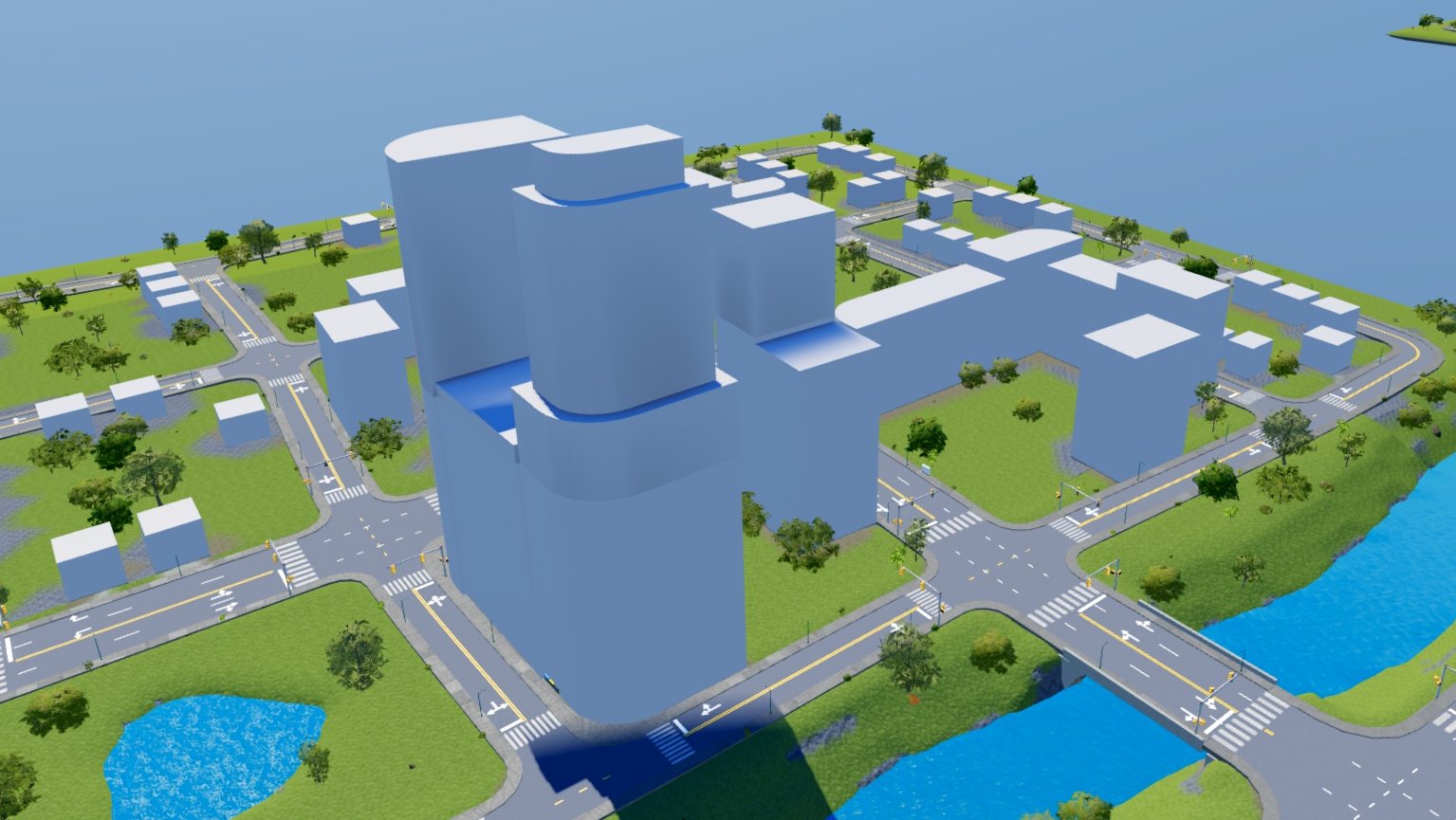 |
One layout built three ways. The roads, lots and seeds are the same in all three.
In every mode the bundle still picks building types, plants, street furniture and lot bases.
| Setting | What it does |
|---|---|
| Bundle | The bundle the city is made from. |
| Color style | Realistic is light stone, concrete, gray, charcoal and muted blue. Cartoony is brighter pastel walls and colorful glass. |
| Mapped colors | On, Graybox blocks and Facade walls take the color the map gives each building. A generated layout has none. |
| Rooftop units | On, flat roofs get AC units, vents and stair huts. Turn it off for a game where nobody sees the roofs. |
| Polygon buildings | On, buildings stand on the map's real outlines where they clear roads and neighbors. Off, outlines round to rectangles. |
| Max count | Lots past this many, counted out from the middle, stay empty. |
| Max stories | Caps building height. Kit models keep their own height. |
| Game stops | On, ten stop buildings stand near the middle of the city: two gas stations, two garages, a car wash, a paint shop, a police station, a pharmacy, a hardware store and a supermarket. See using a city in your game. |
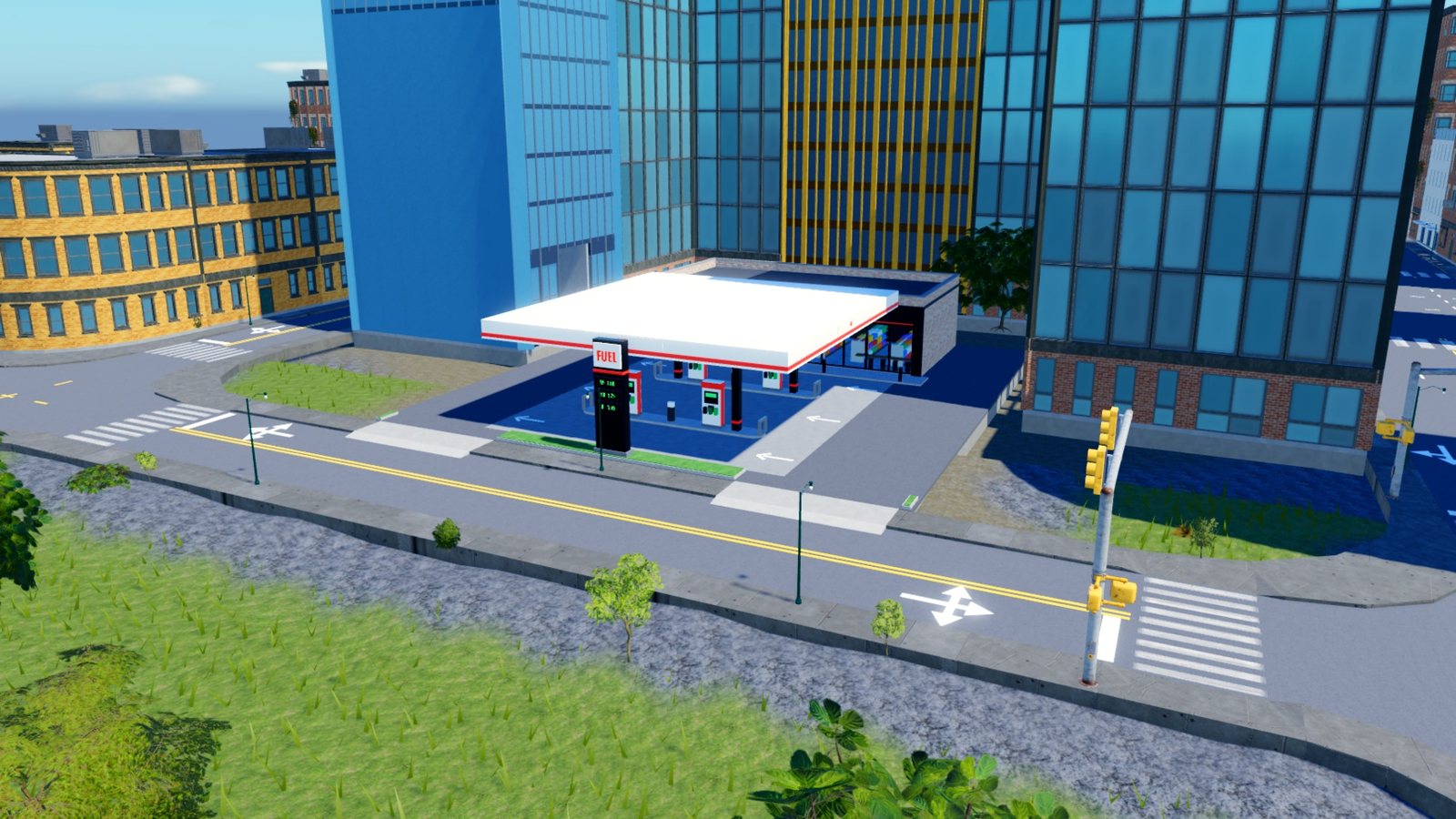
A gas station from Game stops, with its driveways cut into the curb.
Change buildings
After a build, change one of these settings and Change buildings appears at the end of the group. It applies the new setting on the same lots and seeds as one undo step. A graybox city turns into a detailed one this way, and back.
Roads
Style sets the materials of the city's streets, and Build with picks parts or meshes. After a build, Change roads applies a new style to the city.
Roads built as meshes have to be uploaded before the place is saved. See mesh roads.
Props
| Setting | What it does |
|---|---|
| Parked cars | On, cars stand in the curbside parking bays, picked from the bundle's list. Turn it off for a game with its own traffic. |
| Courtyard props | On, apartment blocks get waste containers behind the sidewalk and transformer kiosks in their courtyards. |
Change props lays the plants and props again on a finished city.
Walls
Wall round the city stands a wall along the edge of the city's ground, so nothing drives or walks off it.
| Setting | What it does |
|---|---|
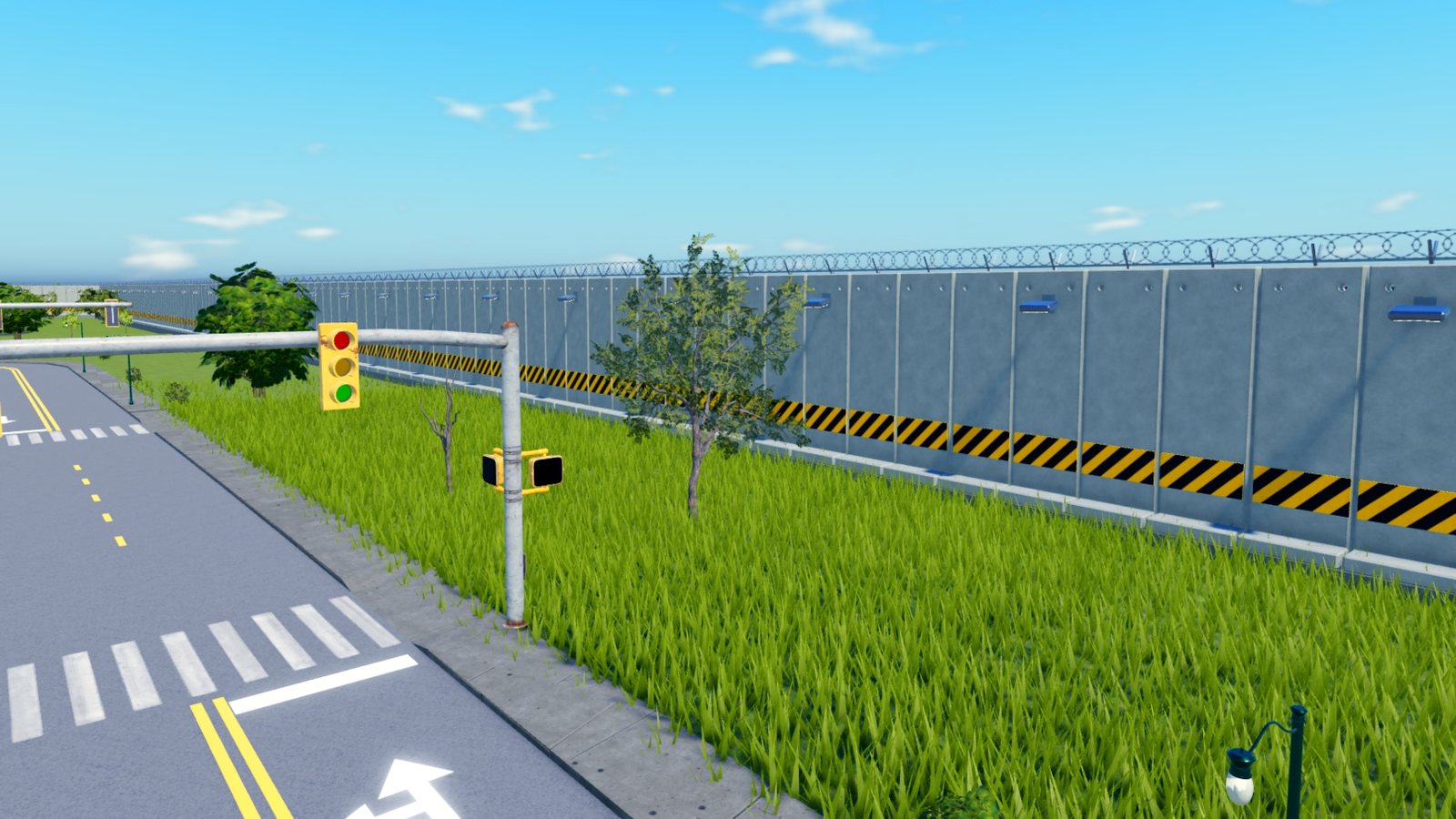
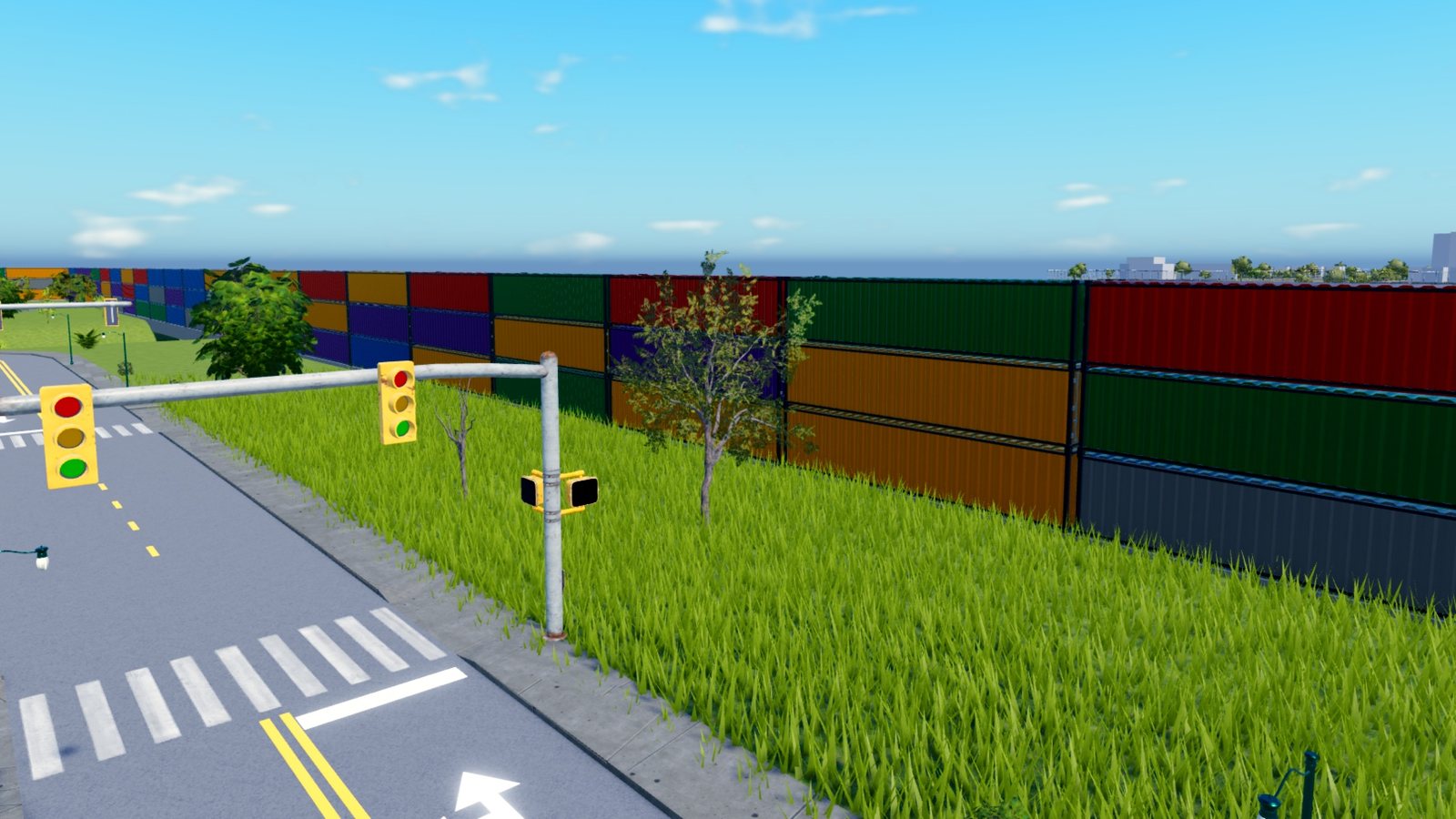
| Look | Bundle lays the bundle's wall. The others are concrete, chain-link fence, shipping containers and quarantine wall. Invisible stops cars and people and shows nothing. |
| Height | How high the wall stands over the highest ground under it. |
| Thickness | For the concrete and invisible walls. A thin wall lets a fast car through, so keep it to a stud or more. |
| Inset | How far in from the edge of the ground the wall stands. The outermost streets end 32 studs from that edge. |
| Skirt | How far the wall reaches below the lowest ground under it, so nothing slips under. |
| Preview walls | Shows the wall in the world as you set it. The preview is never saved. |
Lay walls lays the wall on a city already built, and Remove walls takes it away.
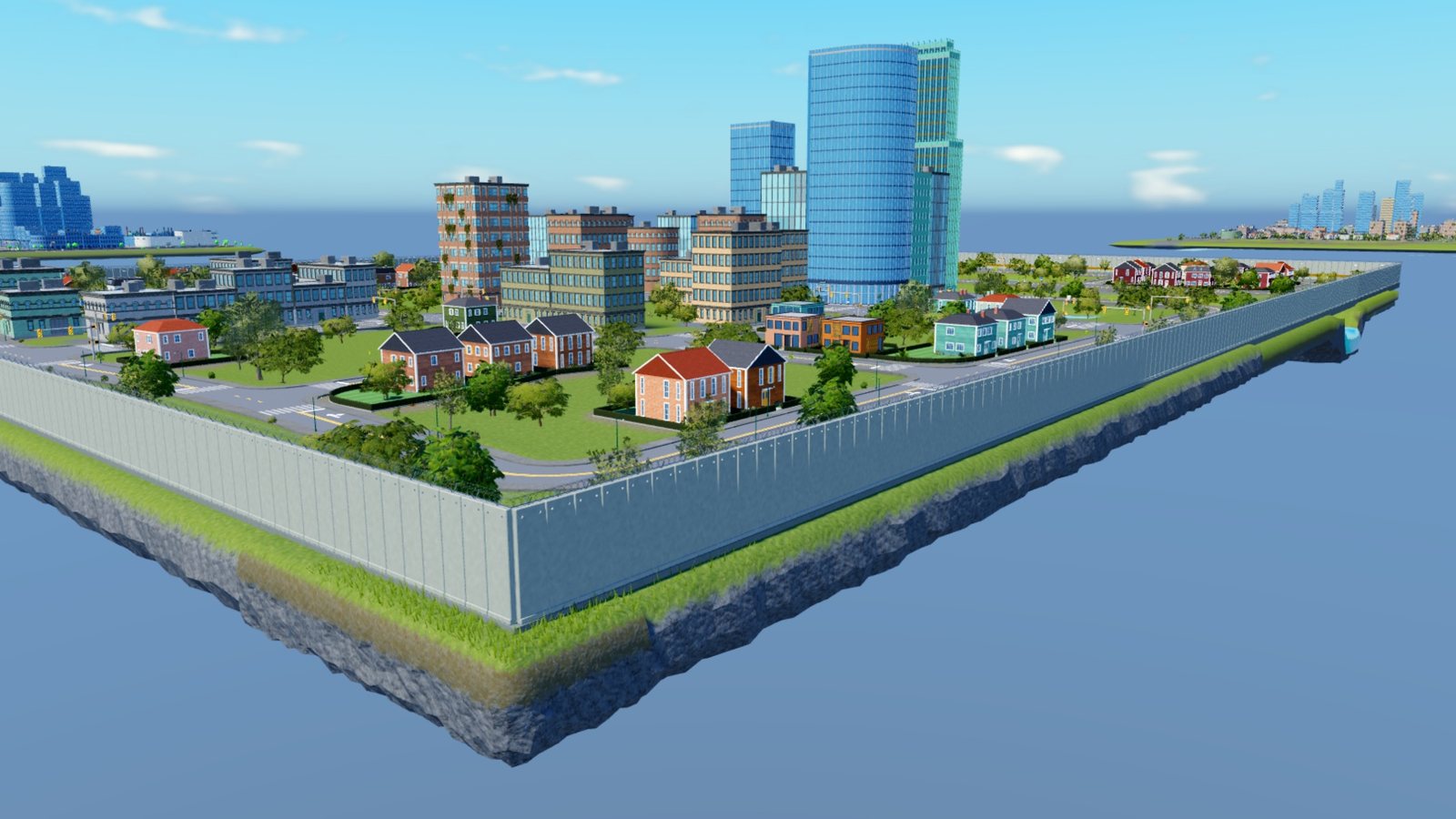
| Quarantine wall | Shipping containers |
|---|---|
 |  |
Optional details
Tick the details you want and Generate city lays them. Tick more after a build and Add details lays them on that city.
- Door paths. A path from every building's door to its street. Paint on terrain, paving slabs on part ground.
- Ground. Grass variation, sandy shores and mapped ground materials. Terrain only.
- Footpaths. Paths that connect streets across open blocks. Plants and props along the new paths are cleared.
Ground and footpaths take longer on large areas.
Build
Generate city builds the city. Once a city exists the button splits in two.
- Regenerate replaces the selected stages of the city you are editing, as one undo step.
- Generate new builds a second city and leaves the first one standing.
The Debug group picks the stages: ground, roads, buildings, and plants and props. With a stage unticked, Regenerate keeps what the city already has for it. Road warnings adds red markers where a road is missing or disconnected.