Lighting
Press Lighting on the toolbar. The dock changes the place's Lighting service and its effects directly.
Presets
A preset is laid over the lighting the place had when the dock opened.
- Postcard
- Zombie daylight
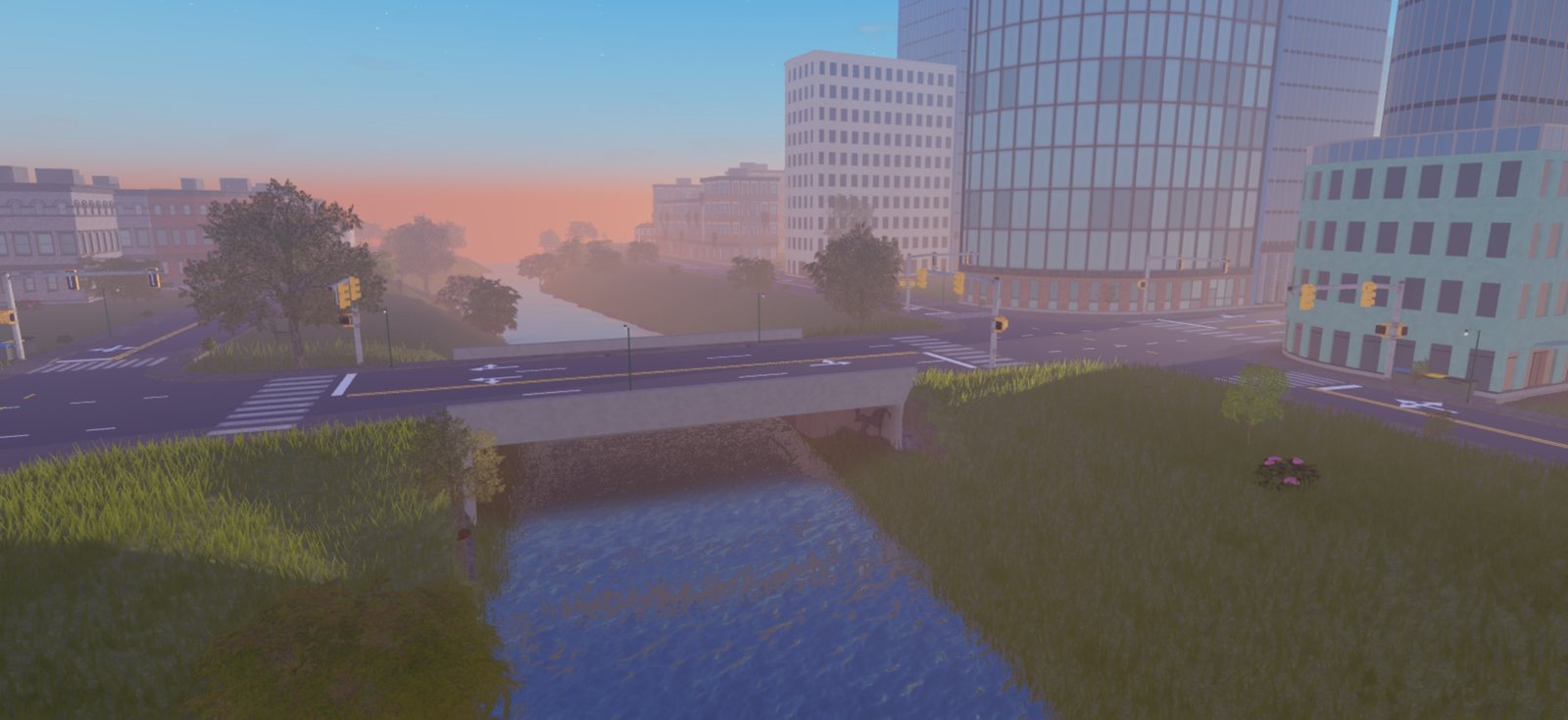
- The golden-hour family
- High noon
- Blue hour
- Night
- Overcast
- Misty morning
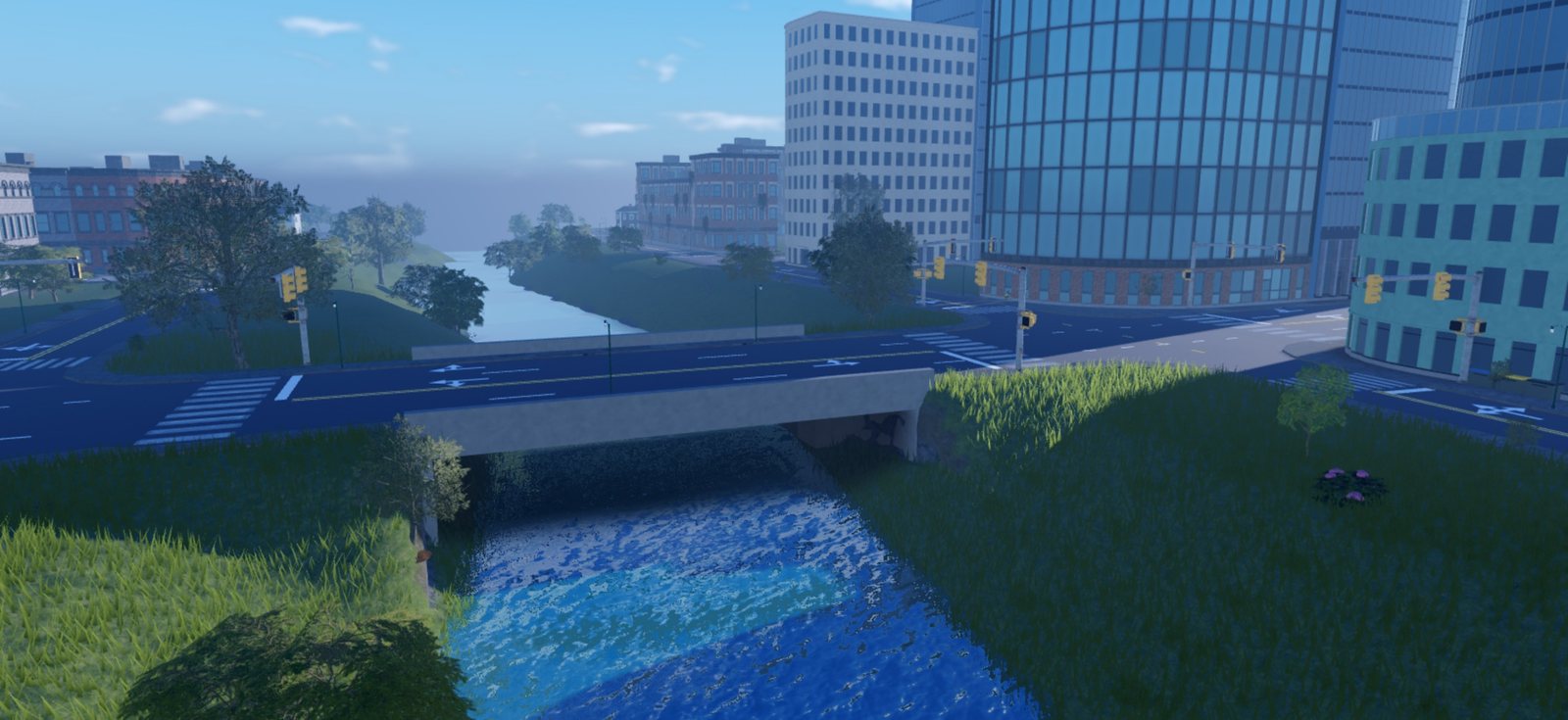
- Cinematic
- Miniature
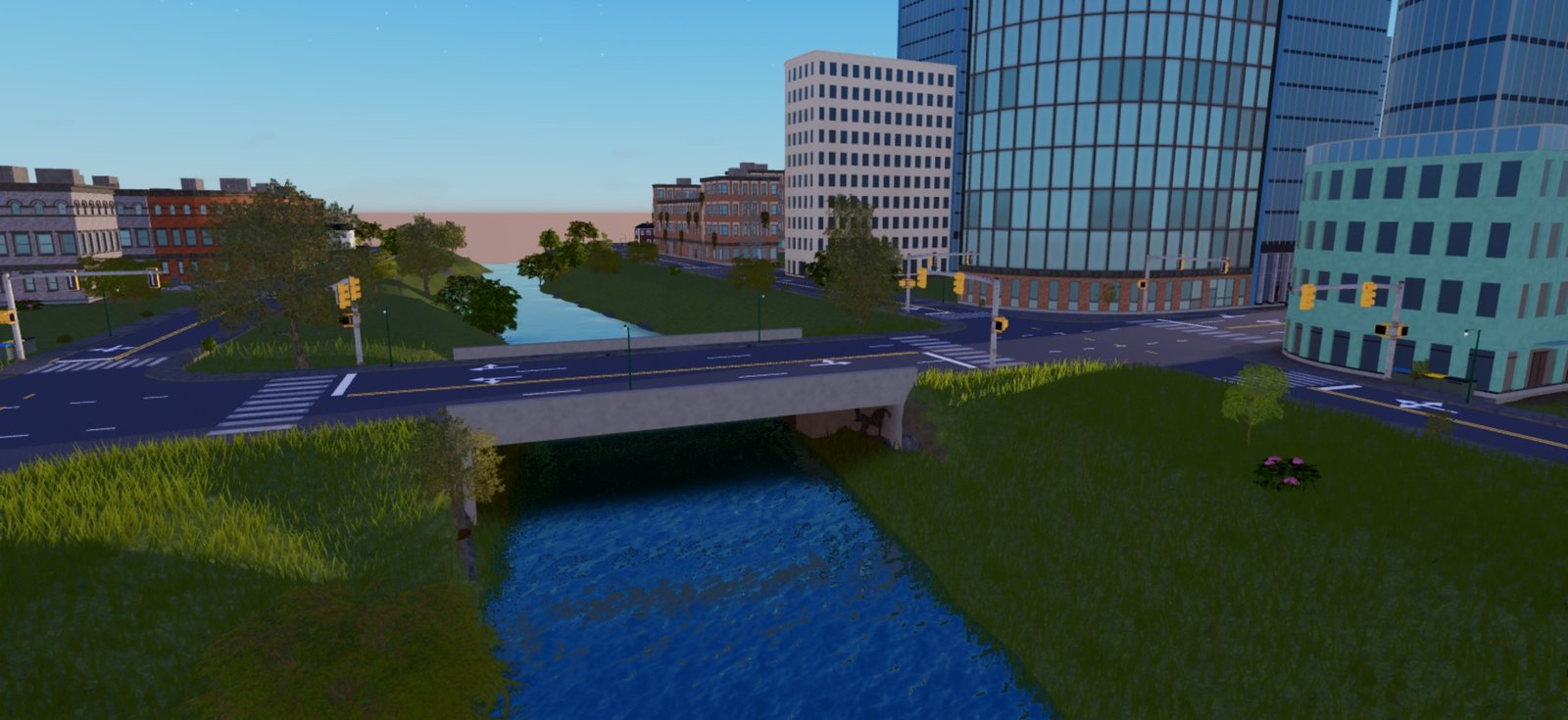
| Golden hour | Golden clear | Cinematic |
|---|---|---|
 |  |  |
| Overcast | Night |
|---|---|
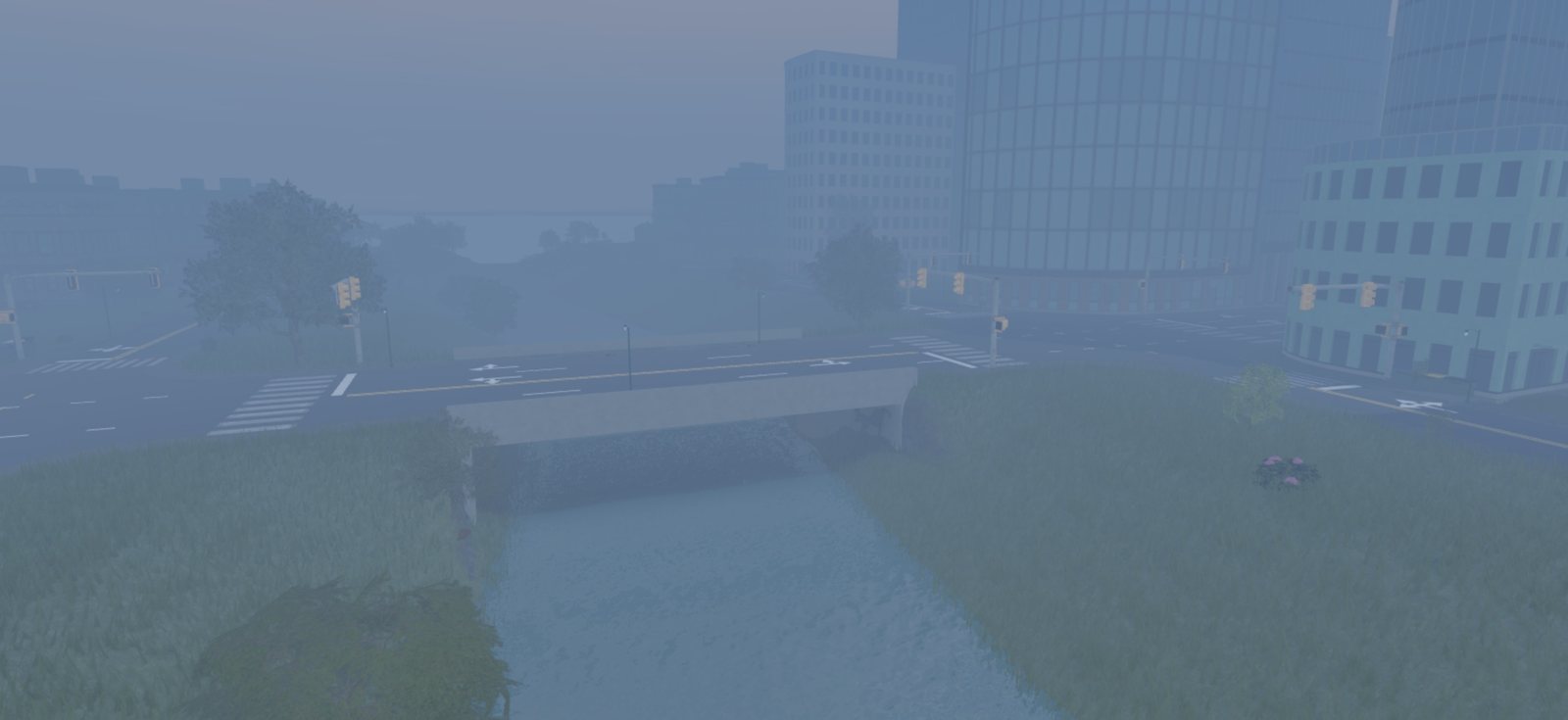 | 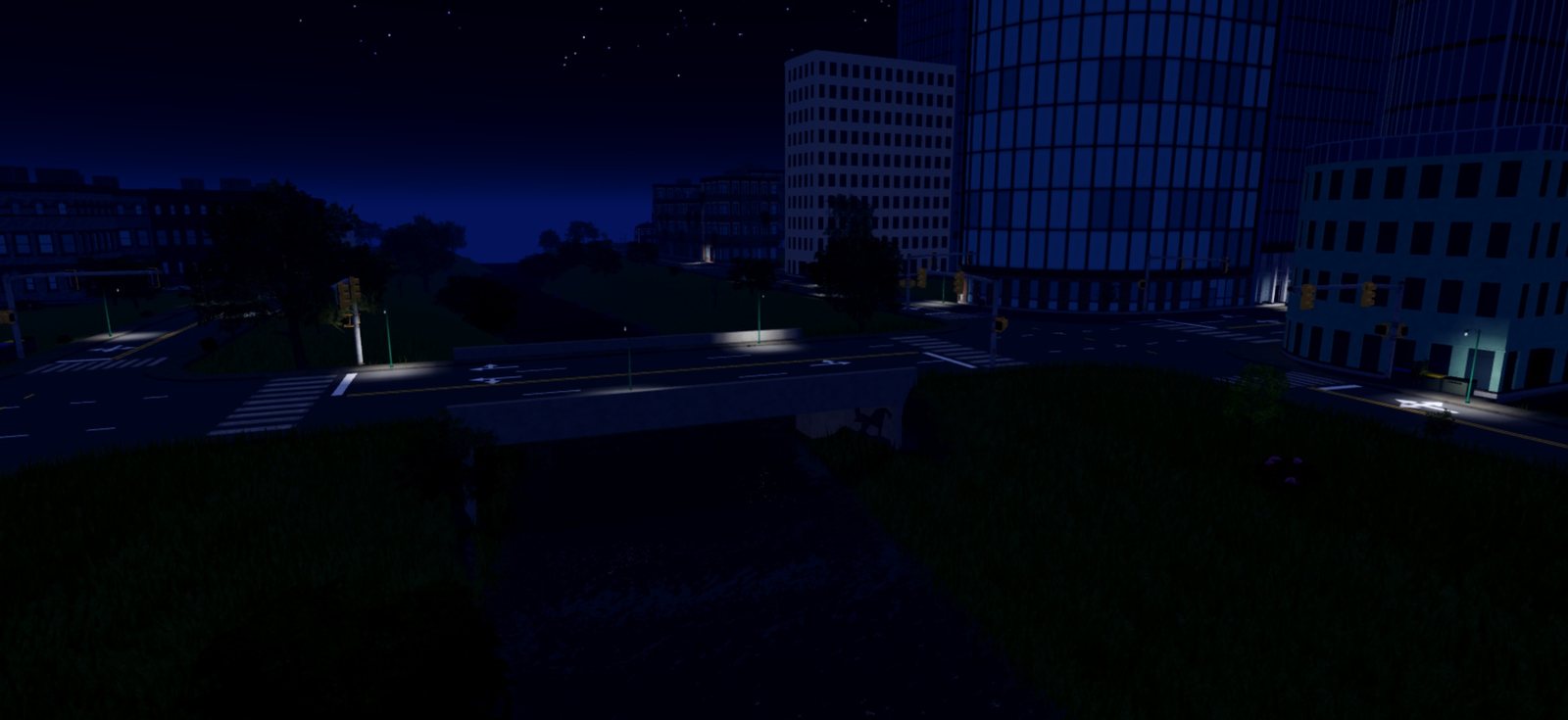 |
One view of a generated city under five of the presets.
Sections
Below the presets, each section drives one thing:
- time of day and latitude
- sun, moon and stars
- brightness, exposure, shadows and ambient colors
- atmosphere and clouds
- color grading, bloom, sun rays and blur
- depth of field
- the editor camera's field of view
A control writes only the effect it drives, and creates that effect if the place has none. Moving the clock never adds a Bloom.
Undo and reset
Each change is in the place at once and is an undo step. A slider drag is one step, not one per frame.
Reset goes back to the lighting the dock opened on.