Heights, bridges and tunnels
A road's height comes from the Height setting of the Draw tool. The plugin turns a road into a bridge or a tunnel on its own when it runs far enough above or below the ground.
Height modes
| Mode | What the road does |
|---|---|
| Follow | Grades to the ground under it, cutting and filling where it has to. Use it for ordinary streets. |
| Slope | Climbs evenly to the ground where you click, plus the level. Use it for ramps. |
| Hold | Keeps the height the last road ended at, plus the level. Use it to carry a deck across a valley. |
Level is how far above or below the ground a Slope ends or a Hold runs, in whole road levels of 48 studs. One level is enough for a road to pass over another. Press X to raise it and Z to lower it while drawing. Both keys switch Height to Hold. Pick Slope again afterwards to climb to the new level instead.
Hug ground sets how much of the ground's rise and fall a Slope keeps between its ends. At 0 it climbs at one even grade, bridging dips and cutting through crests. At 100 it rides the hills like Follow.
Steep roads are allowed. The plugin warns about a steep grade and builds it anyway.
Bridges
A road far enough above the ground stands on a deck with piers. You do not pick a bridge tool. Draw with Hold or Slope across a dip, or raise the road with X, and the deck appears where the ground falls away.
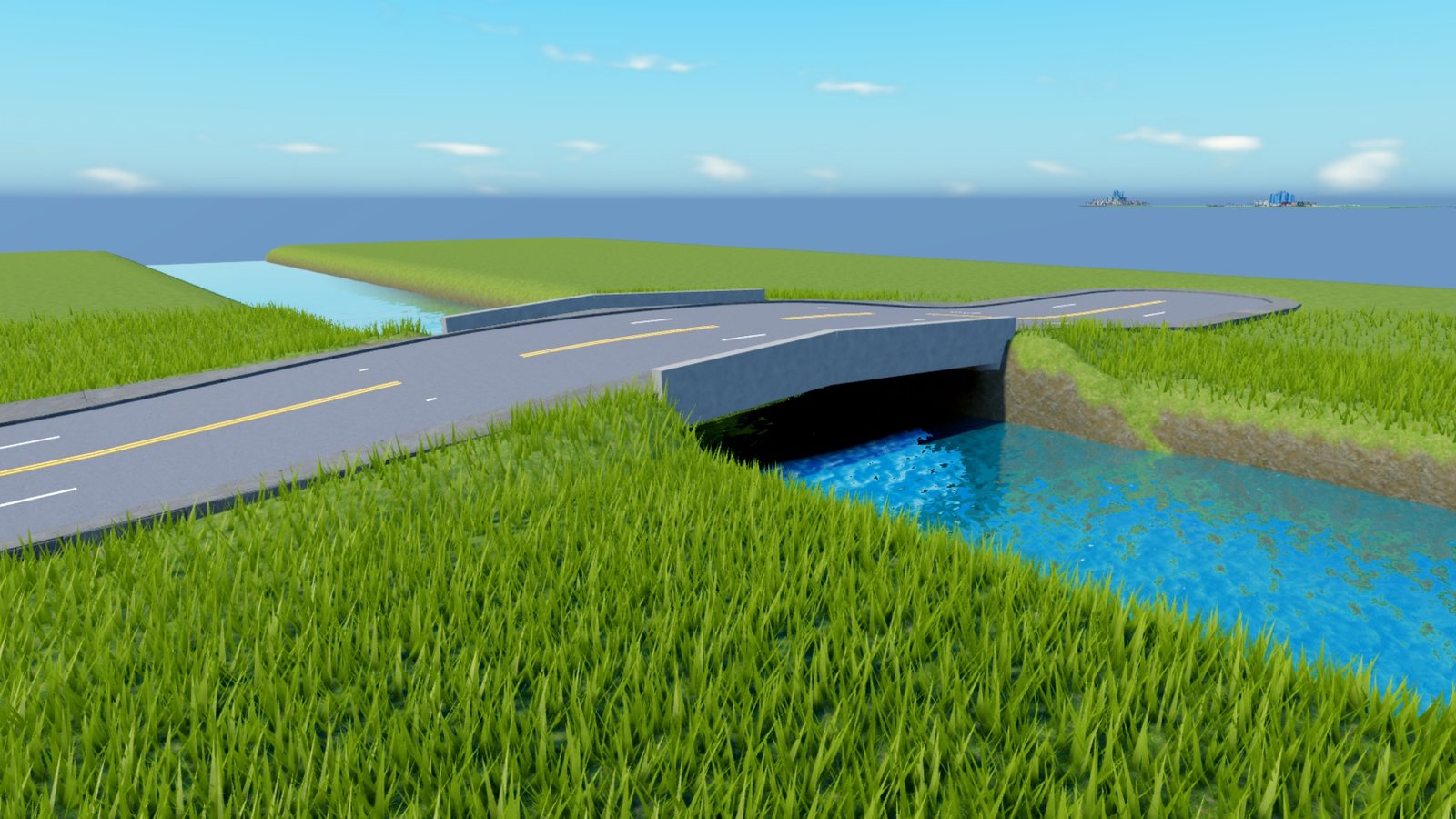
Bridge in the Draw options picks the bridge type for the road, and Bridge color its paint. Guardrail sets the railing a deck gets.
With Bridge water on, a road drawn across water climbs to a bridge deck and comes back down by itself. With it off, the road is refused until you raise it with Level.
Tunnels
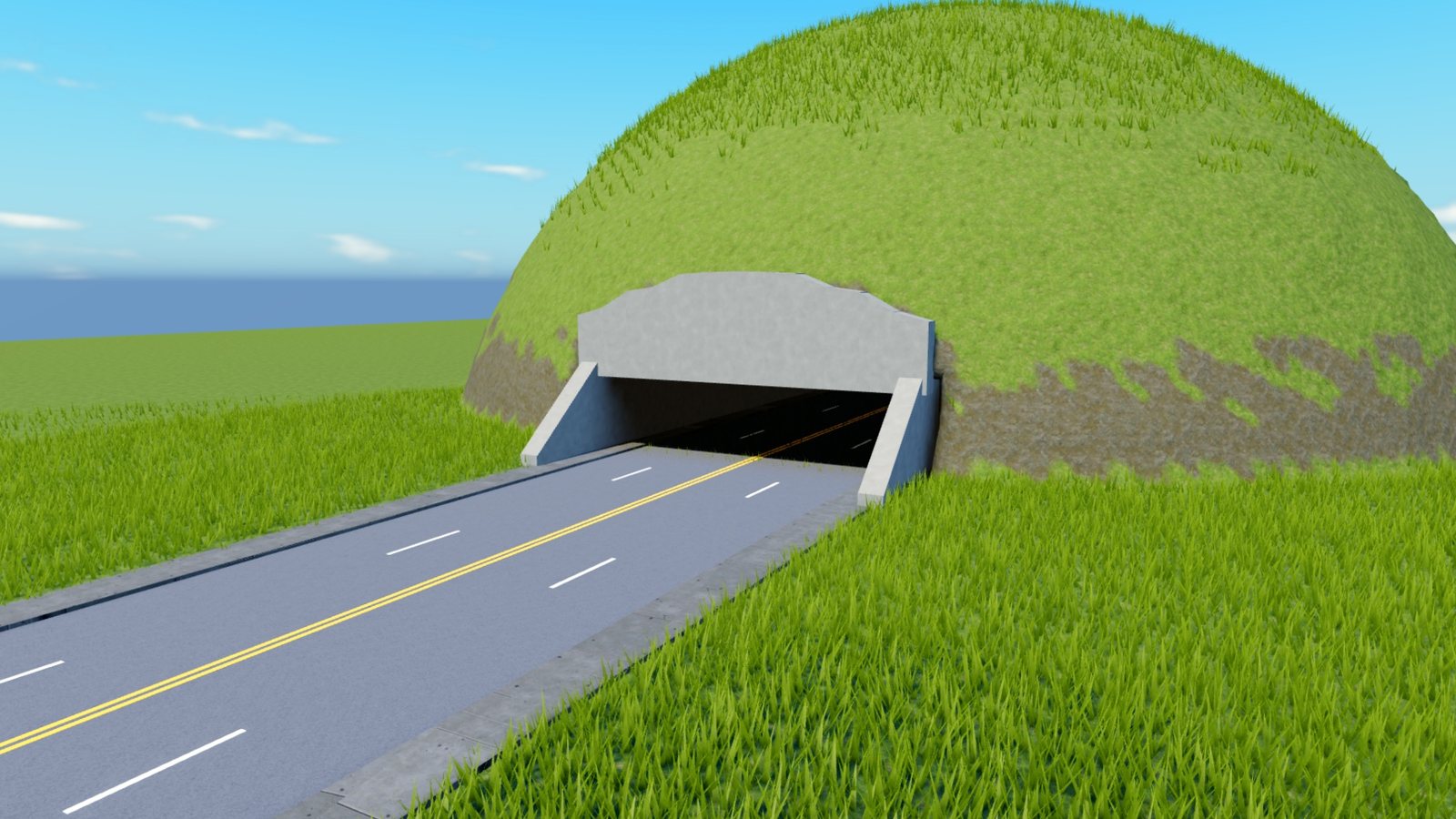
A road far enough below the ground bores a tunnel. On terrain the plugin cuts the bore, lines the walls and builds a portal that fits the hillside at each end. The quickest way to make one is to draw with Hold straight into a hill.
Roads over roads
Two roads at different levels cross without making a junction. Draw the first road, press X, and draw the second across it. The upper road gets a deck over the lower one and returns to the ground past it.
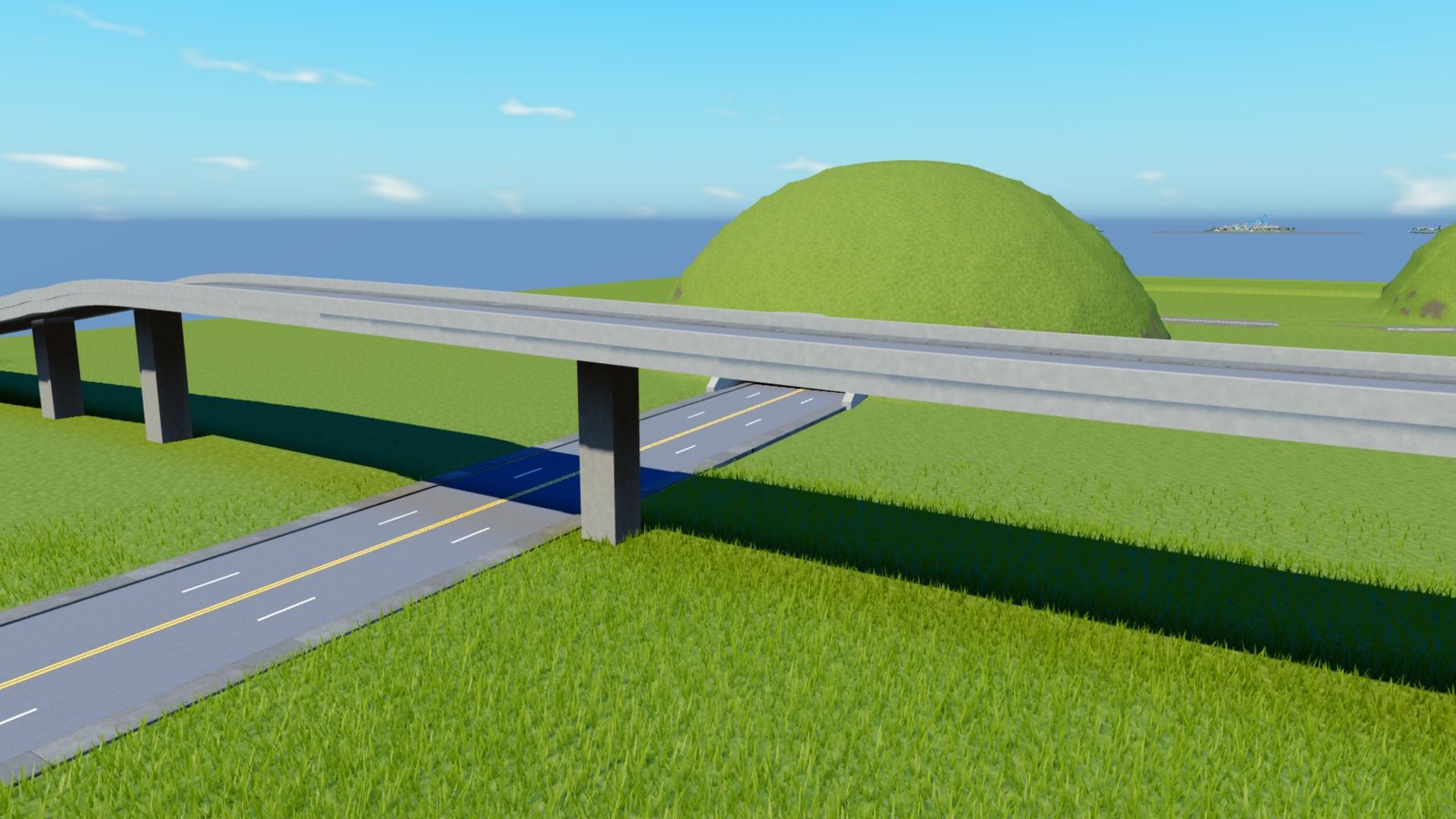
For a full interchange with ramps, use a premade one from the Junctions tool.
Where the height is measured
Heights are the ground's drawn surface. Terrain draws its surface about 2 studs above the level its voxels are filled to, and the plugin accounts for that, so a road meets the grass beside it with no step.