Junctions
Any two roads that meet make a junction on their own. The Junctions tool is for the ones that take many roads to draw: roundabouts, gyratories and highway interchanges.
| Signalized crossroads | Single-lane roundabout |
|---|---|
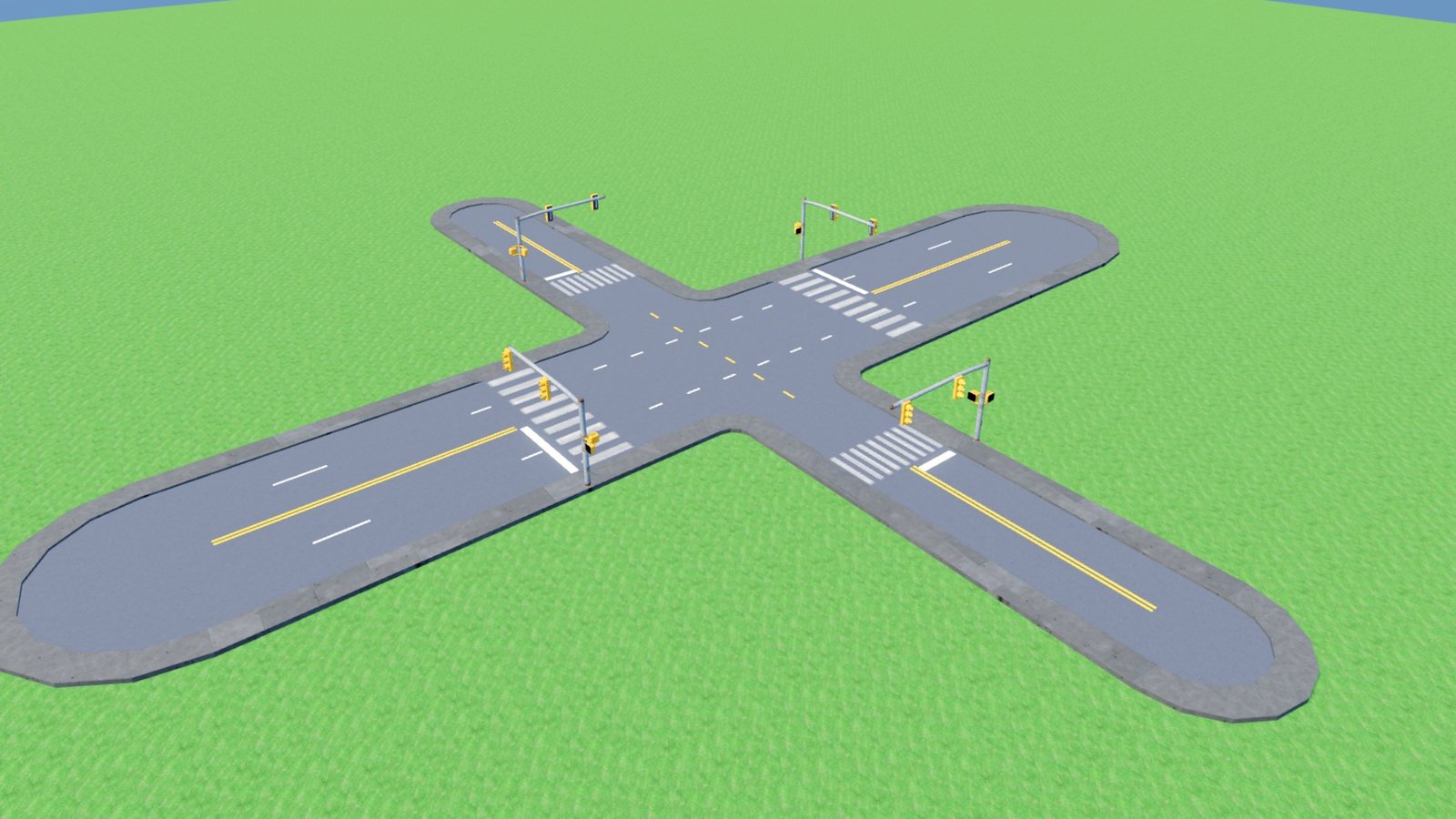 | 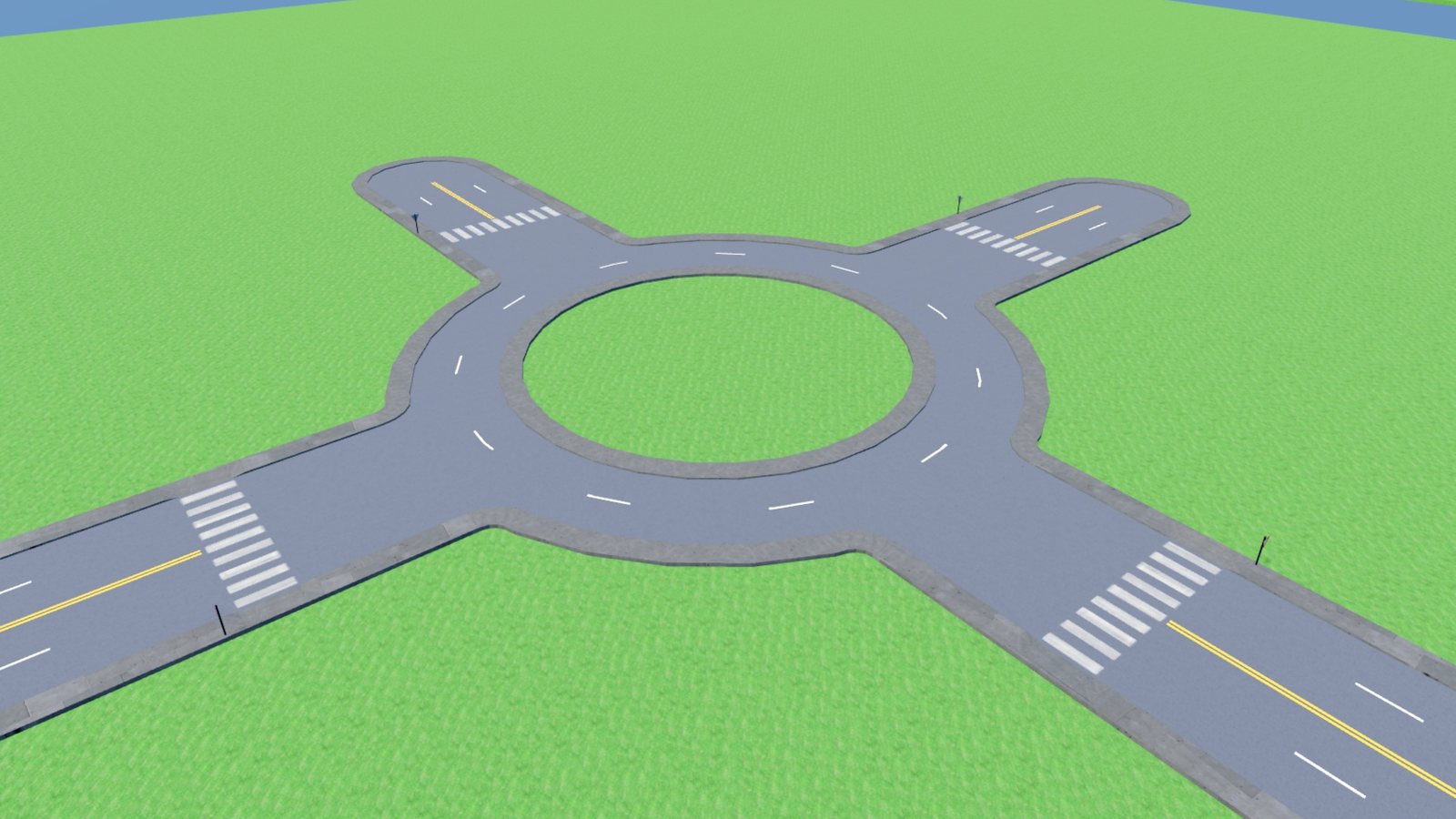 |
| Diamond interchange | Roundabout interchange |
|---|---|
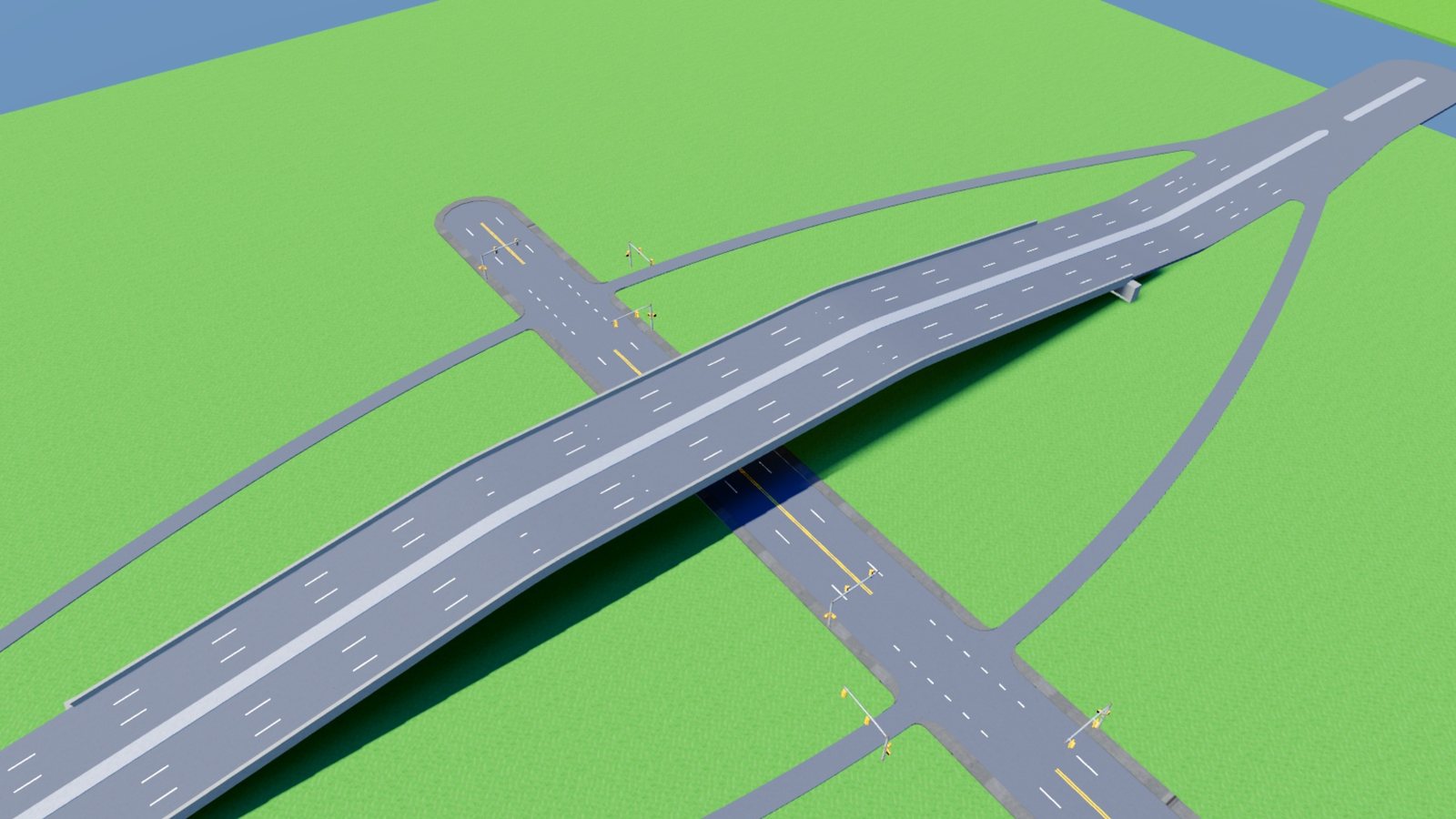 | 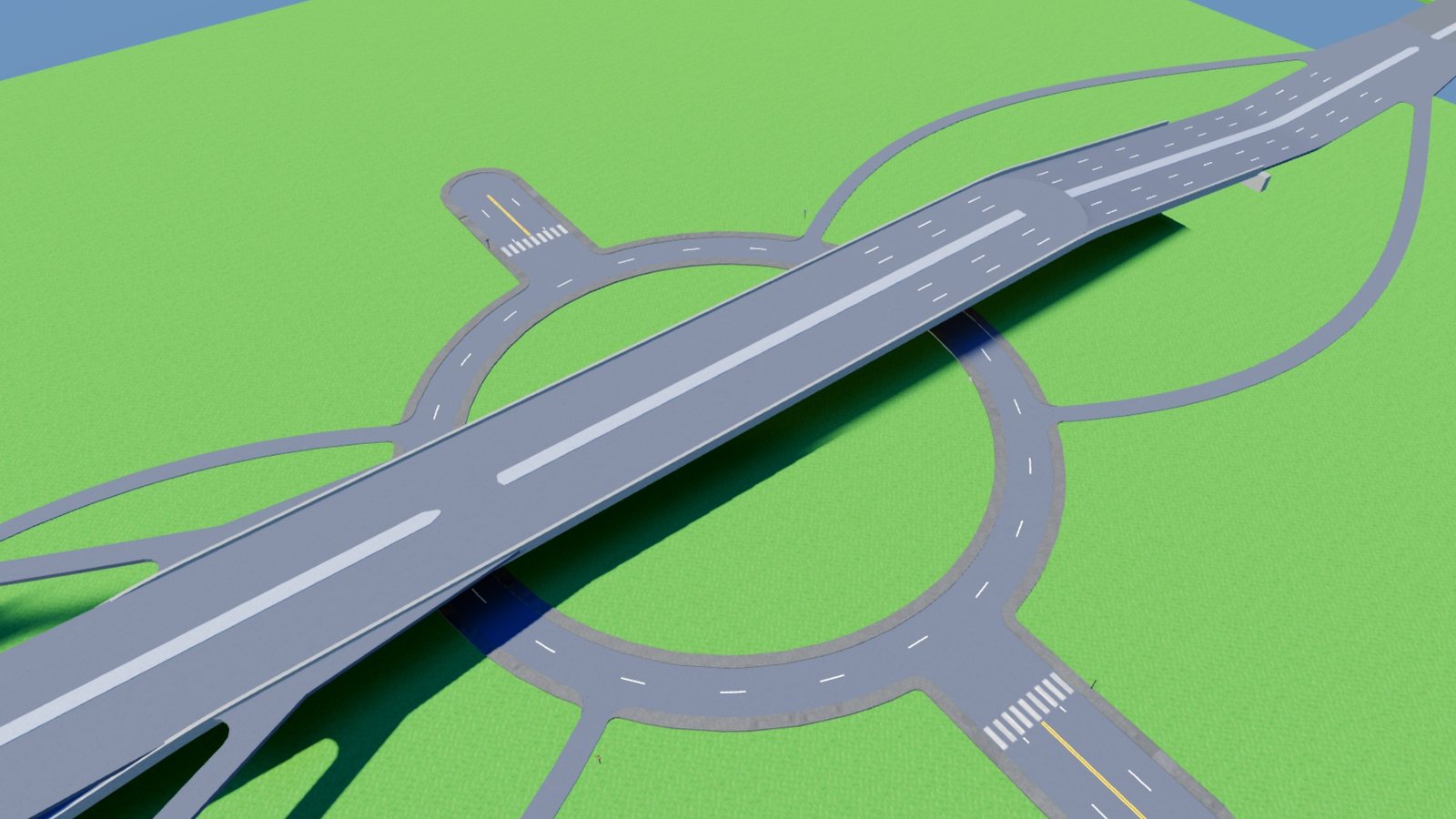 |
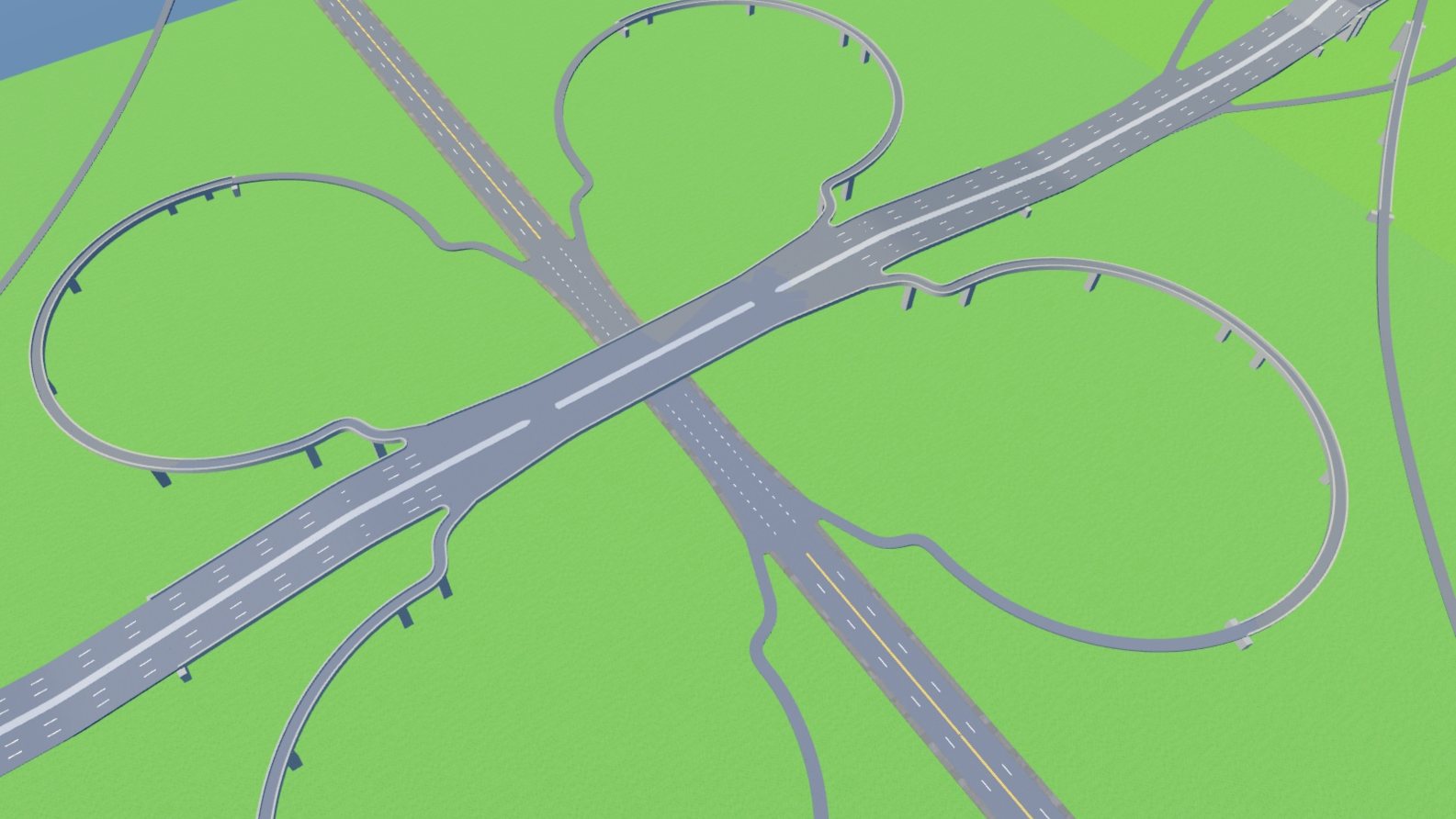
A cloverleaf. One click lays all of it: the highway, the road it crosses, four loops and four outer ramps.
Lay a junction
- Pick Junctions under Action.
- Pick a junction from the list and change its settings.
- Click to place it.
Where you point decides what happens.
- On open ground the junction is laid whole. X or R turns it 5 degrees forward, Z or Shift+R back.
- On an existing junction, that junction becomes the one you picked and its roads become the arms.
- On a road, the junction is laid across it.
What the tool lays is ordinary roads. Edit them afterwards like any other.
What is in the list
Junctions. Signalized crossroads, boulevard crossroads, crossroads with slip lanes, jughandle crossroads, T junction with stop sign, Y junction, five-way star and staggered crossroads.
Roundabouts. Compact, single-lane, three-arm, five-arm skewed, with splitter islands, two-lane, two-lane with bypass lanes, three-lane, three lanes on the main flow, four-lane, signalized gyratory, star square with eight avenues, through-about and dogbone.
Interchanges. Overpass, diamond, cloverleaf, cloverleaf with loops only, trumpet and roundabout interchange.
Change how a junction is controlled
Pick Add items, then the junction control item, and click a junction.
| Option | Result |
|---|---|
| Automatic | The road types decide. |
| Traffic signals | Lights on every arm. |
| Stop signs, Yield signs | Signs on the minor arms. |
| Uncontrolled | No lights, signs or stop lines. |
| Roundabout | A circle with an island and yield signs, if the approaches have room. |
Corners and dead ends
Also under Add items:
- The corner item sets a junction's curbs. Sweeping curve is a wide bend that needs room. The other options set a fixed radius.
- The end item sets how a dead end finishes. Rounded curb closes it, Open cuts it flat so a later road can carry on from it, and Turning circle widens it into a cul-de-sac.