Race tracks
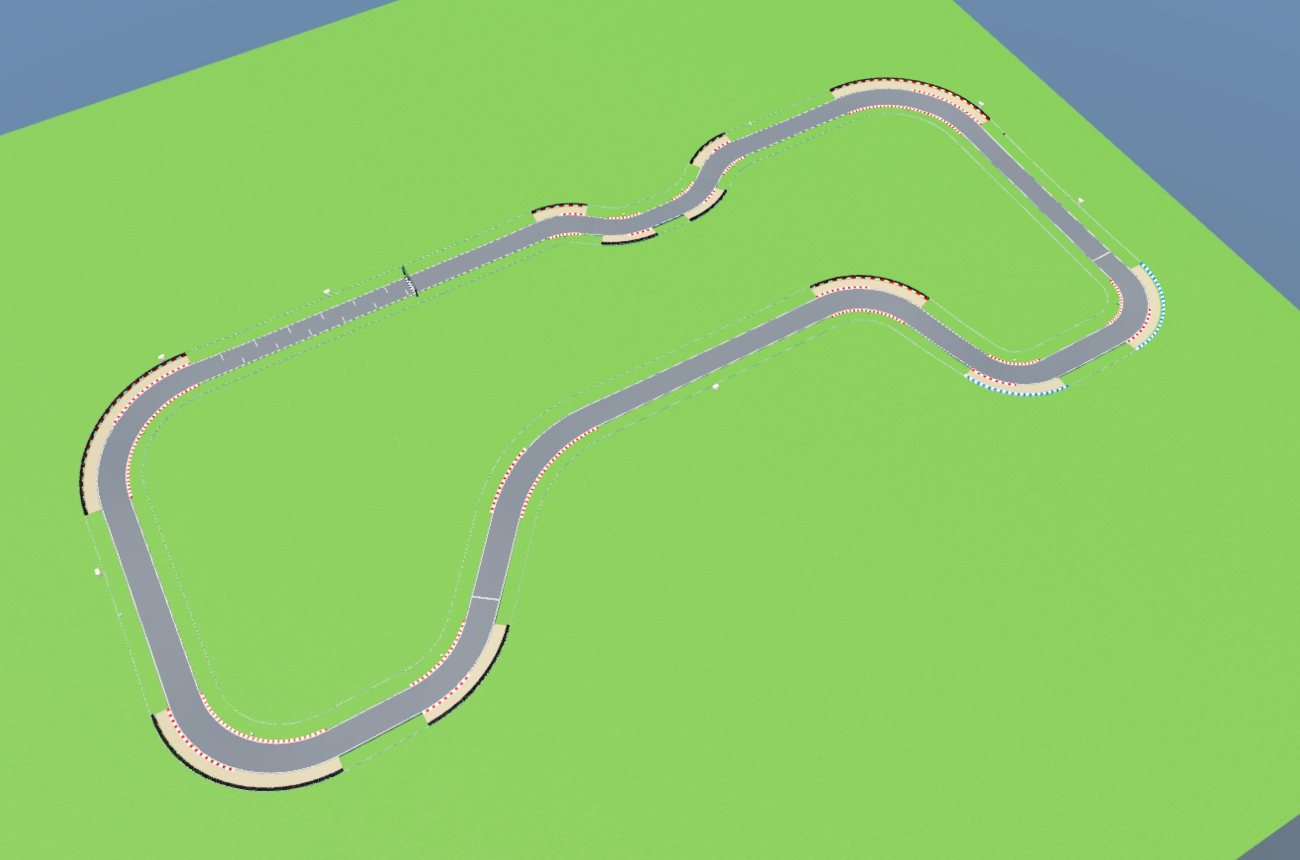
A race track is a road of the Race track type. It joins the rest of the road network, so a circuit can share a junction with a city street. Pit lane is its narrower companion.
Lay a whole track
- Pick Add items, then the track layout item.
- Pick a Layout: Oval, Tri-oval, Kidney, Club circuit, Technical or Grand Prix.
- Click open ground. The outline shows where the track goes, and the dot marks its start line.
The layout comes with its start line, grid, start lights, curbs, tire walls, braking boards and marshal posts. A layout that would cross other roads is refused. Reshape its roads afterwards with Edit.
You can also draw a track by hand. Pick Race track under Road and draw it like any road.
Banking
- For the whole track, pick the banking item under Add items, set Banking (degrees) and click the track. The tightest corners take the full angle and gentler ones less, eased in and out of each bend. 0 lays it flat.
- By hand, pick Edit and drag a pink tilt dot on the track's edge up or down. Hold Shift to tilt the whole road.
Start line and sectors
Both are items under Add items. Click a track to place one and click it again to remove it.
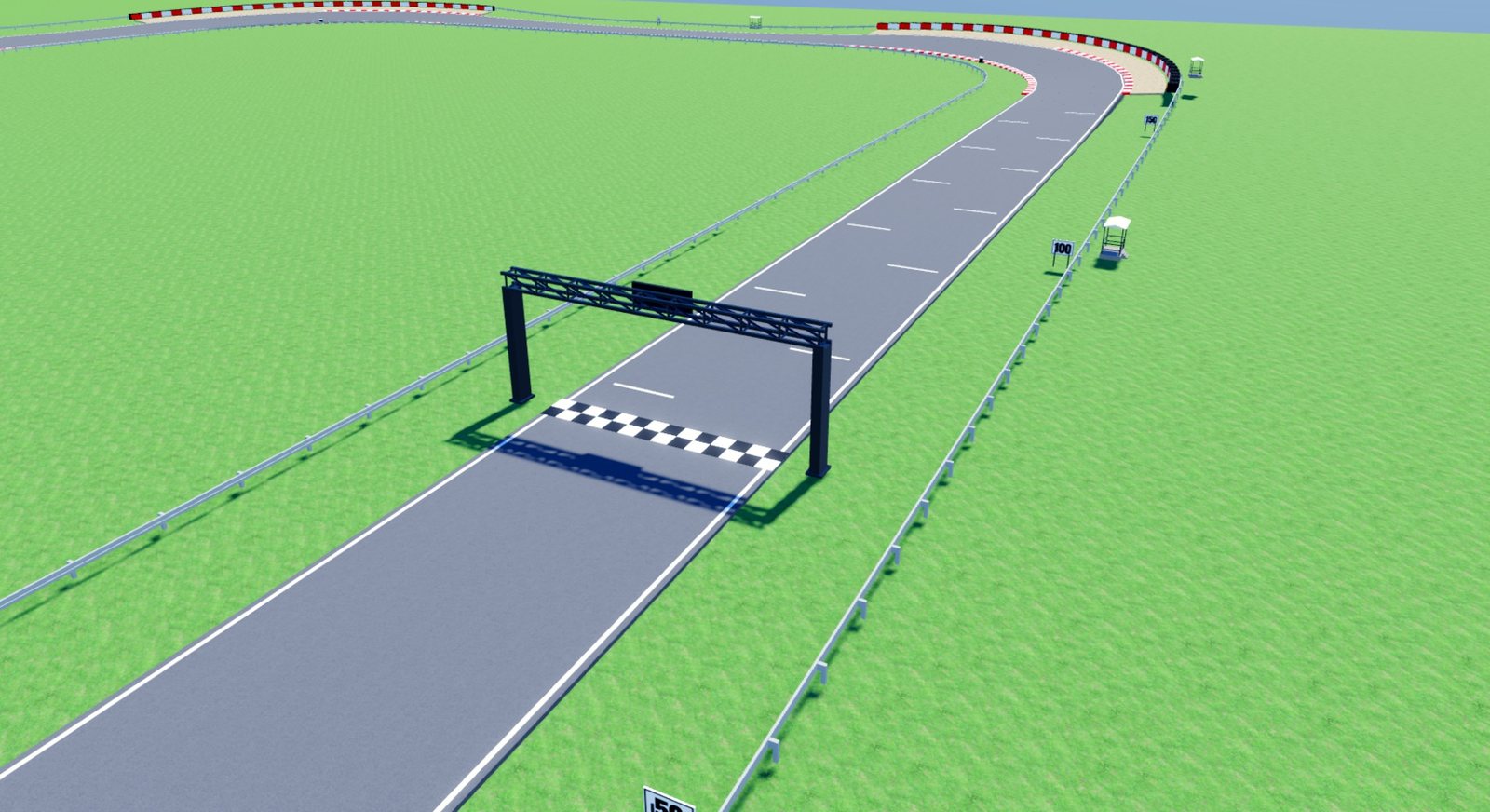
The start line comes with 12 grid slots behind it. A sector line ends a sector where you click. A track laid from a layout gets sectors 1 and 2 at a third and two thirds of its lap.
These leave invisible parts for a lap timer to read. The tags are listed in using a city in your game.
Race items
The Roadside tool sets these on either side of any road with a shoulder. They carry a small flag in the list.
- Racing curb
- Barrier wall
- Gravel trap
- Braking boards
- Marshal posts
A track laid from a layout places them automatically. A stretch you change by hand keeps your choice, and Race items back to Auto returns it to the plugin's own.